01
AI reads the company
Every agent
AI crawls the site and writes the offer, the audience, the voice, and the brand. Website chat, card flows, LinkedIn, and mail start from that.
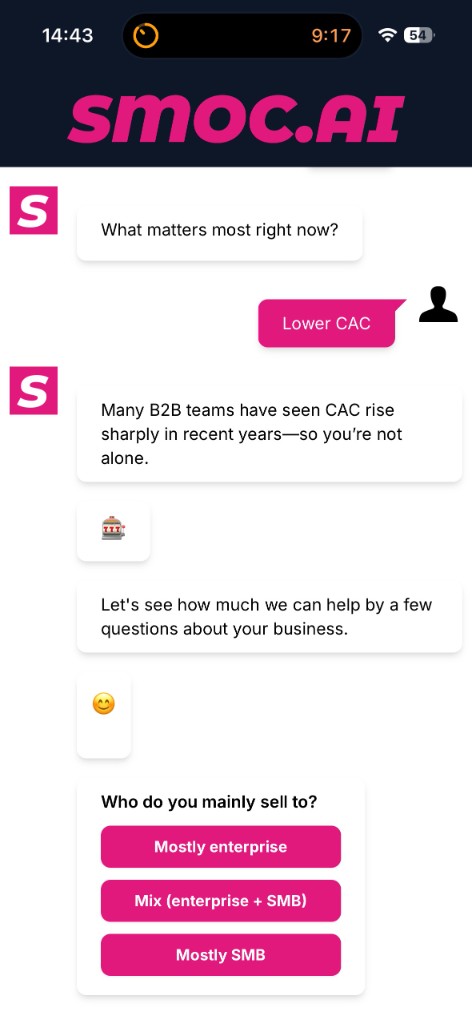
SMOC has one Studio and one Console. Console has five agent types: three for the web (chat, card, page) and two for outreach (message, mail).
Web flows have three formats. Chat and card use the same graph and the same analytics. Page is different: it tests your own pages.
Chat flow — bubble conversation on your site, ads, or an embed.
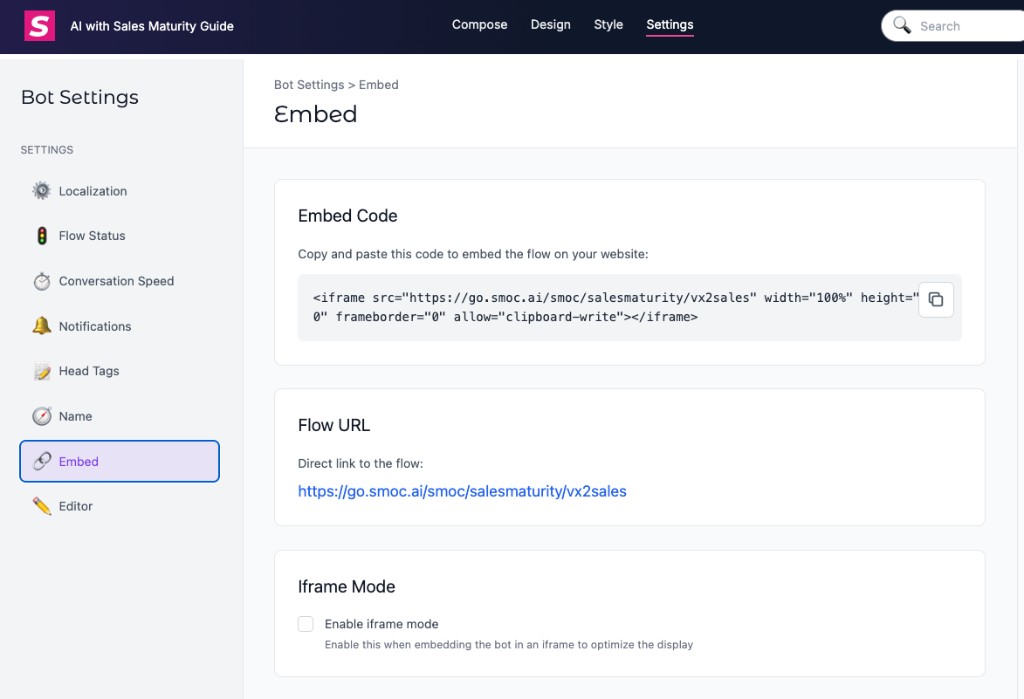
Card flow — a page that steps forward. The public URL ends in /cards. In Style → Page you can add text and design above, beside, and/or below the card. iframe_mode=true shows the card alone, which is what a short contact embed needs. See Card flows.
Page flow — your own landing pages, with one script in the <head>. There is no bubble and no card, so there is no Style section. In Studio, Pages setup holds the page URLs. Fetch and rebuild compares the pages and builds the test. The canvas is read-only, unlike Design on a chat or card flow. Targeting holds the Head script. The script sends each visitor to one of the pages and shifts traffic toward the page that gets more sign-ups and clicks. See Page flows.
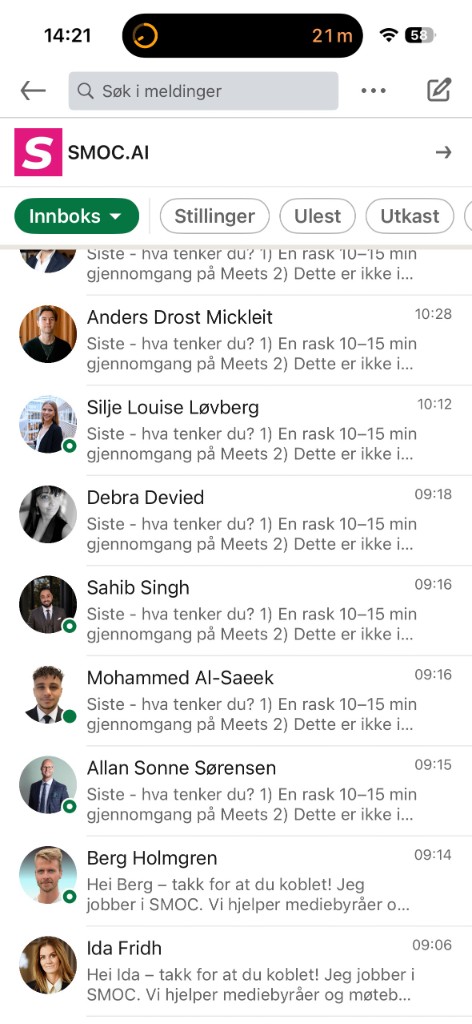
Turn on Split companies across agents in Targeting on each message flow that should share a list. Give each flow the sender who should own those companies, and publish them active together. The list stays one list. Each company is enrolled on one of those flows. People added later at that company follow the same flow while that set of flows stays live.
Publish them together. A flow that goes live on its own enrolls people from every company until the others are published and active. Conversations already started stay where they are. Adding another agent later can enroll new coworkers of those companies on the new agent.
Inside one flow, several senders take turns through a batch, so coworkers can get different senders. One sender per flow avoids that.
Exclude leads sent a connection request or message from other Messaging agents skips people who already received a connection request, a direct message, or an InMail from another flow. People who are only enrolled and still waiting can still be enrolled. The other flow being inactive does not change this.
| Web flow | LinkedIn message flow | |
|---|---|---|
| Flow Sessions | Visitor opens / begins the flow | Successful profile view, connection send, DM, or InMail |
| Unique Users | Distinct visitors in the range | Distinct contacts with that activity |
| Does not count | — | Enrollment alone, or waits before the first successful LinkedIn action |
Message-flow Breakdown (on a single agent or rolled up on the company Agents Breakdown tab) also shows outbound actions for the selected date range, a planned actions table for the next seven days, and an outreach funnel (enrolled, connects, and so on). Outbound actions follow your date filter; the funnel and planned schedule do not. Details: Reading Agents analytics in Console.
Email outreach is a mail flow. It uses the same Studio graph as a LinkedIn message flow and sends from a connected Google or Microsoft mailbox. There is no connection request. See Mail flows.
WhatsApp and SMS can still distribute links into a web flow. They are not conversation runtimes of their own.
| Situation | Prefer |
|---|---|
| Homepage or paid social chat | Chat flow |
| Landing page with copy around the steps | Card flow |
| Landing pages you already host, tested against each other | Page flow |
| Account-based outbound on LinkedIn | Message flow |
| Account-based outbound by email | Mail flow |
| Need brand theme and a card-only iframe | Card flow |
| Need connect → DM sequences | Message flow |
See also Sales Launch end-to-end, Inbox for LinkedIn replies, and Using Studio Recommendations (LinkedIn recs cover copy and A/B, not web forms).
Where AI runs
Website chat, card flows, LinkedIn, and mail share one system. AI does each job below. The line under the title says where that job runs.
Every agent
AI crawls the site and writes the offer, the audience, the voice, and the brand. Website chat, card flows, LinkedIn, and mail start from that.
Dashboard · Lead Strategy
Set your lead goal. AI simulates thousands of channel mixes, ranks them by efficiency, and shows the most cost-effective plan. Your data and constraints shape the math.
Every agent · theme on web · lists on LinkedIn and mail
AI writes the flow. Theme runs on website chat and cards. Translation runs on every agent. AI finds the prospect list on LinkedIn. Mail uses the prospect lists you already have.
Path on every flow · web, LinkedIn, and mail
Reinforcement learning on the flow path runs on every agent. Recommendations run on web. Right timing and reply reading run on LinkedIn and mail.
Every agent
AI proposes a variant, uses your review on the next draft, and starts from an example that already works. You apply the change.
Continue learning with these related guides
Get product updates and perspective on proactive AI agents, multichannel orchestration, and conversion—without the noise.
 Weekly signal on proactive AI sales
Enter your email below to get started with SMOC.AI