01
AI reads the company
Every agent
AI crawls the site and writes the offer, the audience, the voice, and the brand. Website chat, card flows, LinkedIn, and mail start from that.
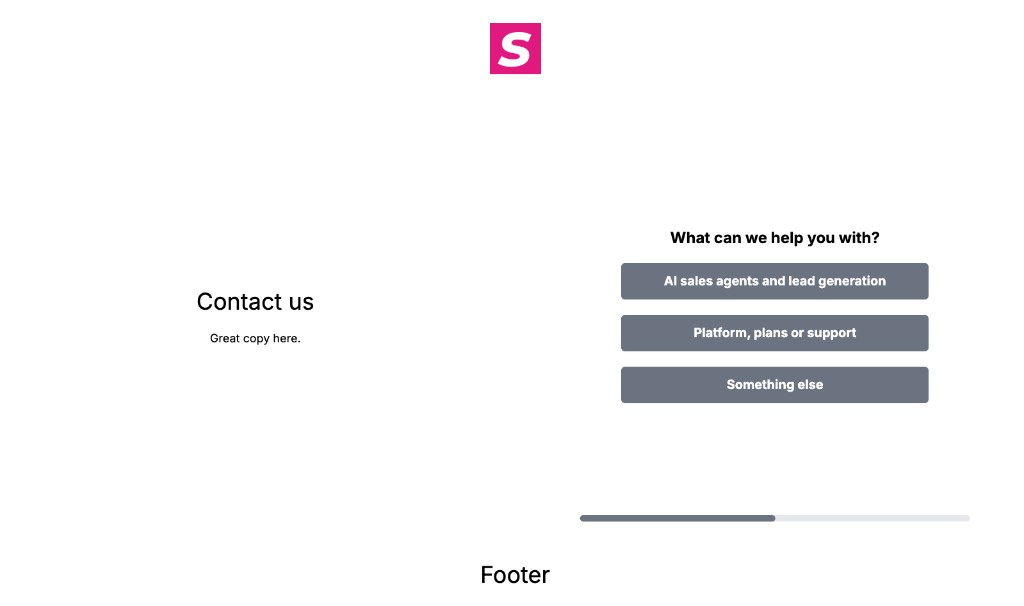
A card flow is a web flow that steps forward as a page instead of a chat bubble. Use it for a landing page, a contact form, or any visit where the buyer should see one step at a time, with the offer still on the page.
Chat flows and card flows share the same Studio graph, the same nodes, and the same web analytics. Message flows stay the LinkedIn path.
Console has five agent types: three for the web (chat, card, page) and two for outreach (message, mail). A page flow is the third web type. It does not show a card at all. It tests whole pages that you already host. See Page flows.
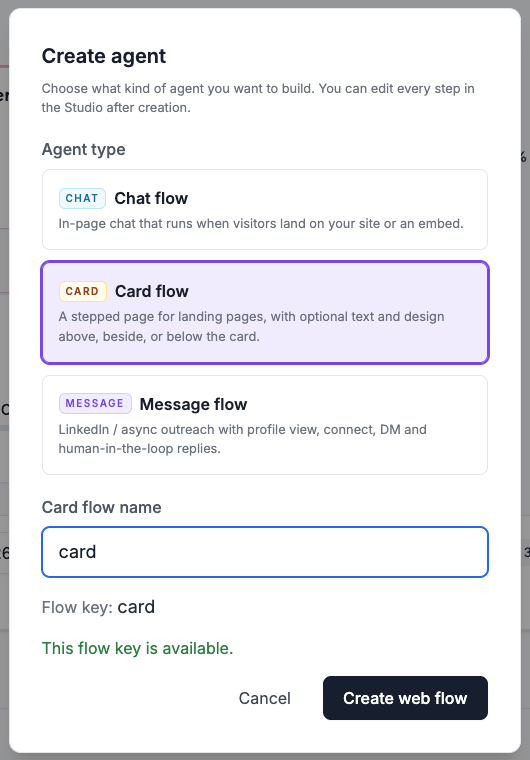
In Console choose Create agent → Card flow and name it.
Studio opens on Flow. The sections are Settings, Style, and Design. Design is the default. Compose opens from AI improvement.
The public link ends in /cards. Opening the chat URL of a card flow sends the visitor there.
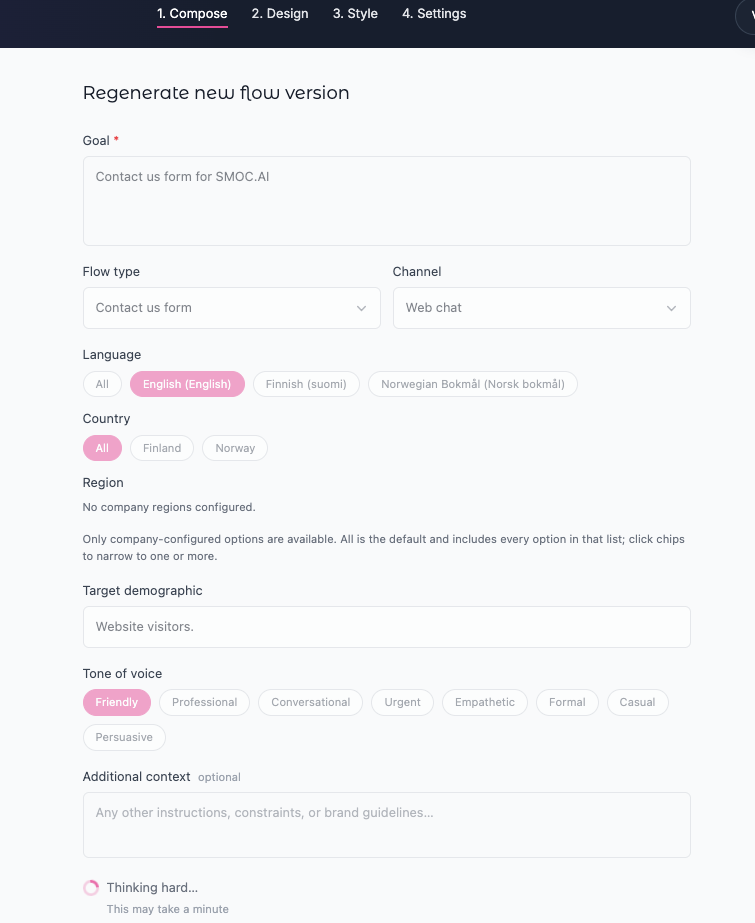
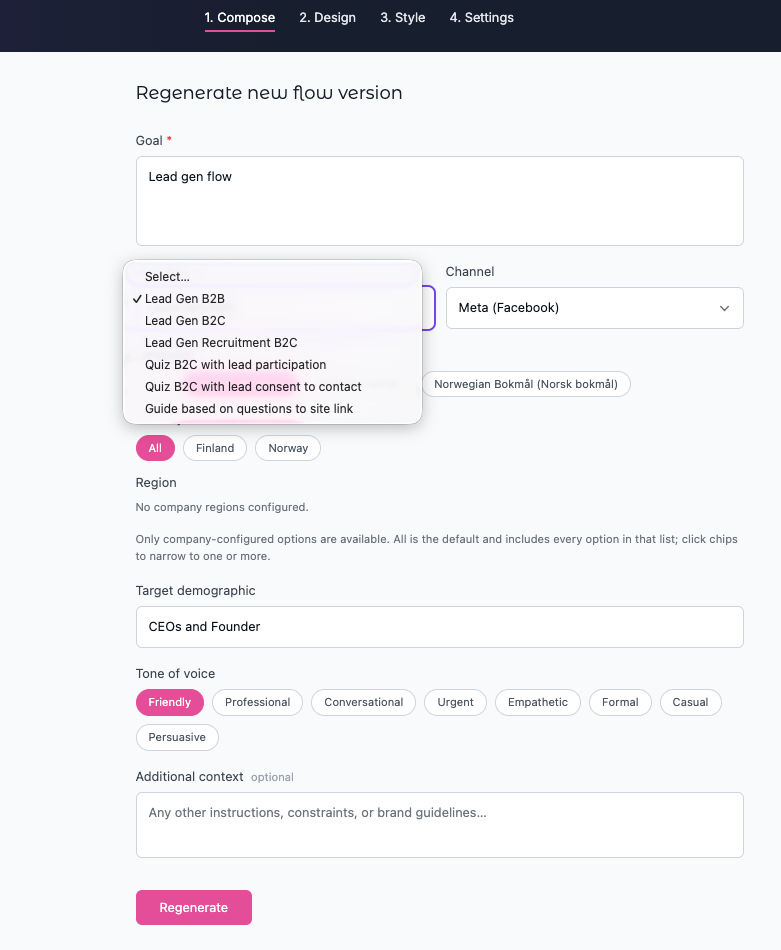
On a card flow, Compose offers Contact us form. Set the goal, language, and tone, then generate.
A chat flow offers the other web templates: lead gen, quizzes, and the question guide. Contact us stays on card flows.
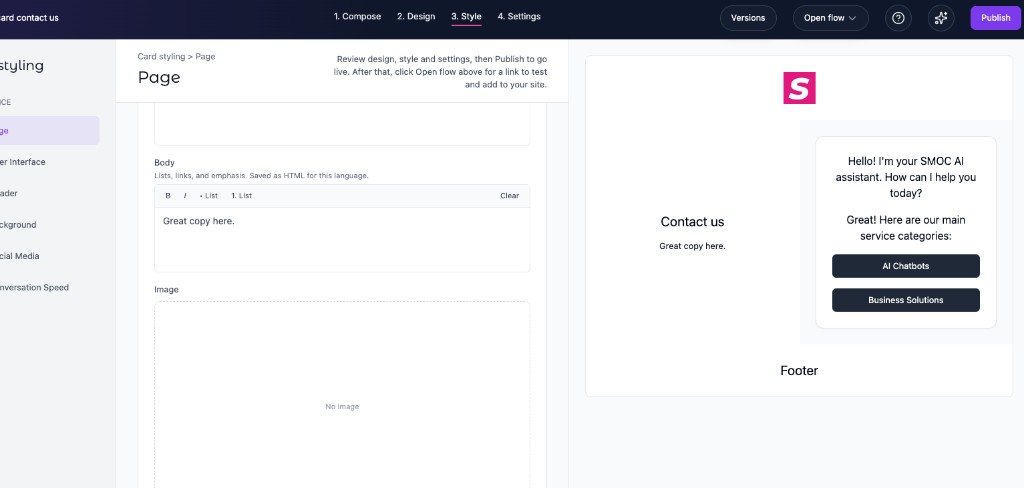
Open Style → Page. Copy and design can sit in three places. Leave a region off and the card stays centered.
Each region can use a theme color or an image, the same choices as the card itself. The preview on the right updates as you write.
The hosted page shows the regions and the card together. The question fills the card. A progress bar sits in the card and advances as the visitor answers.
The next step replaces the question. The contact details are their own card.
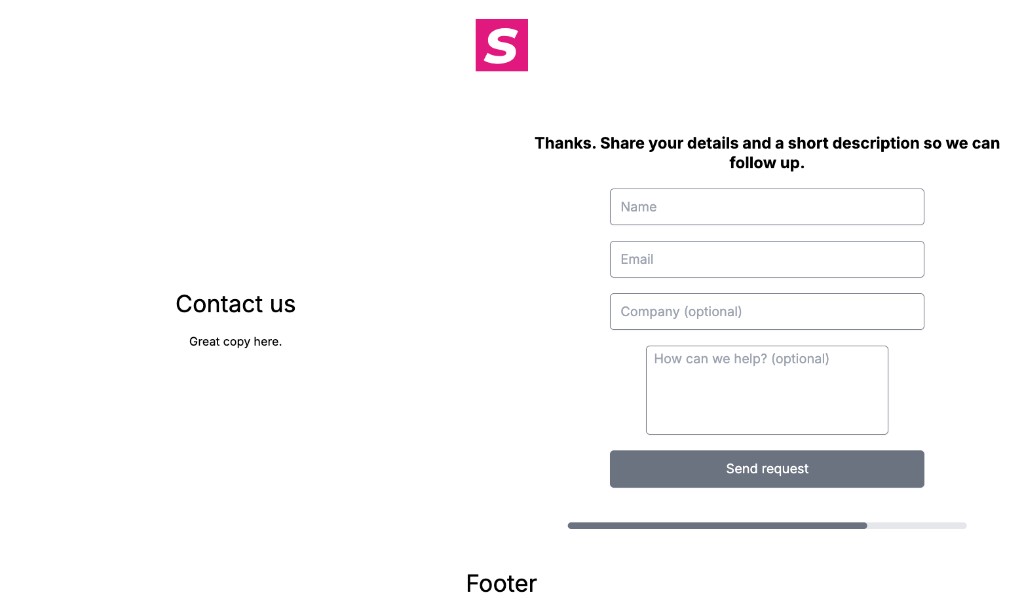
The same pattern is what the SMOC contact page uses: the offer stays, and the card steps forward.
The hosted /cards page shows the regions and the card.
The embed snippet adds iframe_mode=true. That shows the card alone, full width of the iframe, so a short contact embed does not try to fit a landing page into 450 pixels.
<iframe src="https://go.smoc.ai/<company>/<flow>/<variant>/cards?iframe_mode=true" width="100%" height="450" style="border: none; overflow: hidden;" loading="lazy"></iframe>
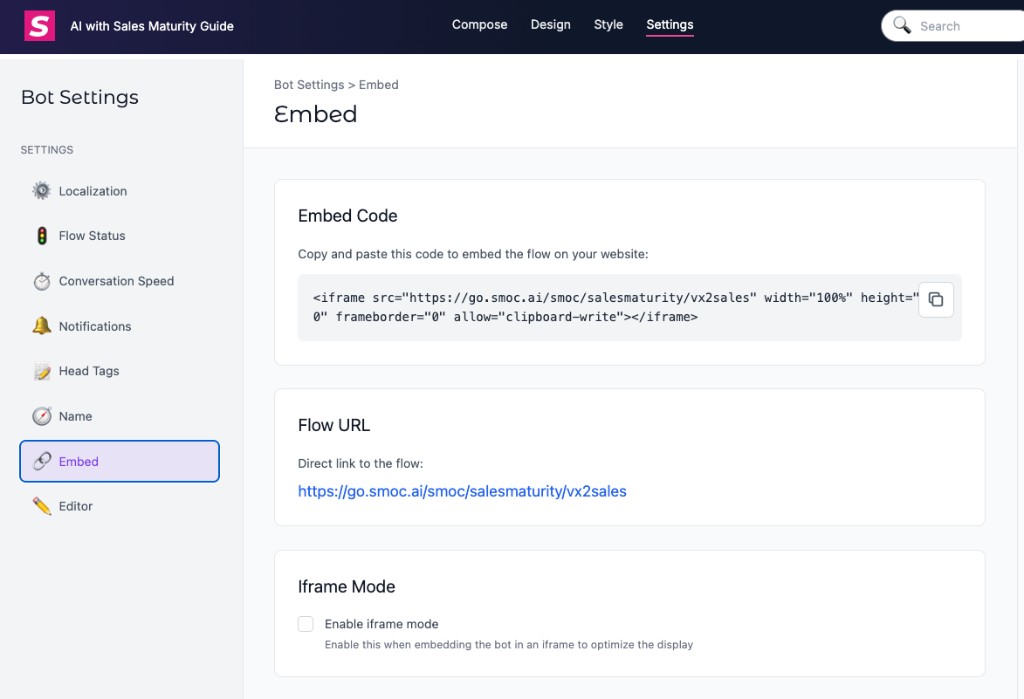
Copy the live snippet from Console on the agent (Copy embed) or from Studio → Settings → Embed.
The language on the generator, and the language in the Studio header, is the copy the buyer reads. It is not the language of the website, Console, or Studio. Those follow the language menu on smoc.ai and are remembered on the next visit, including sign-in. English stays on the company. Add the market language in Sales Launch. The Translation panel fills the other languages on the flow.
See One company, every language.
Where AI runs
Website chat, card flows, LinkedIn, and mail share one system. AI does each job below. The line under the title says where that job runs.
Every agent
AI crawls the site and writes the offer, the audience, the voice, and the brand. Website chat, card flows, LinkedIn, and mail start from that.
Dashboard · Lead Strategy
Set your lead goal. AI simulates thousands of channel mixes, ranks them by efficiency, and shows the most cost-effective plan. Your data and constraints shape the math.
Every agent · theme on web · lists on LinkedIn and mail
AI writes the flow. Theme runs on website chat and cards. Translation runs on every agent. AI finds the prospect list on LinkedIn. Mail uses the prospect lists you already have.
Path on every flow · web, LinkedIn, and mail
Reinforcement learning on the flow path runs on every agent. Recommendations run on web. Right timing and reply reading run on LinkedIn and mail.
Every agent
AI proposes a variant, uses your review on the next draft, and starts from an example that already works. You apply the change.
Continue learning with these related guides
Get product updates and perspective on proactive AI agents, multichannel orchestration, and conversion—without the noise.
 Weekly signal on proactive AI sales
Enter your email below to get started with SMOC.AI