01
AI reads the company
Every agent
AI crawls the site and writes the offer, the audience, the voice, and the brand. Website chat, card flows, and LinkedIn start from that.
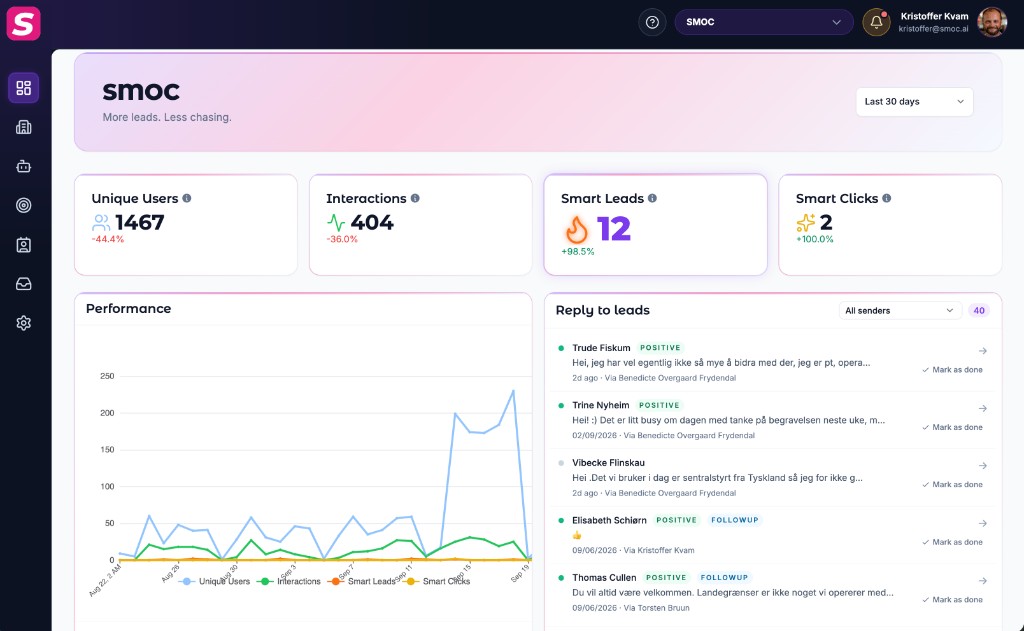
Sales Launch is the Console onboarding path that takes you from a blank company to generated, reviewed, credited agents: a live website agent plus an optional LinkedIn agent with a generated flow and first prospect list.
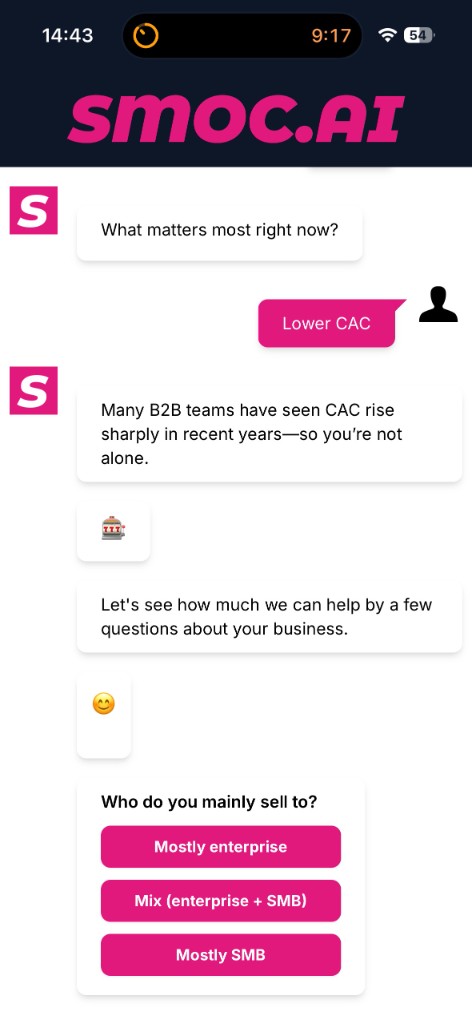
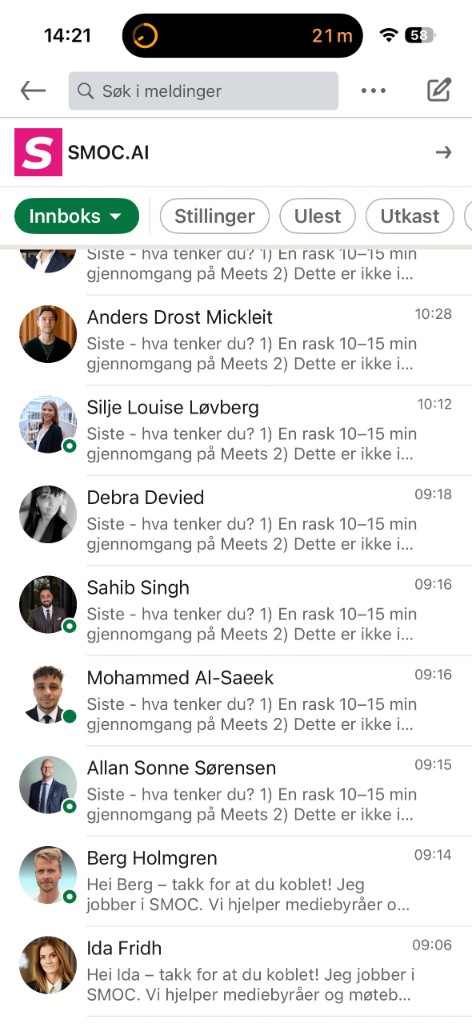
In Console, open the Sales Launch card. Headings move from building your first website agent through LinkedIn lead agent setup as work completes.
Sales Launch scans your homepage (a handful of pages) and generates a website agent you can review. Parallel LinkedIn rows may show: website agent ready, LinkedIn account connected, generate outreach flow, generate targeting portfolio.
On a large site (news, fixtures, shop-elsewhere), that first scan often yields a thin Commercial Profile. After the first agent exists, open Company → Crawl sites, add about / product / commercial URLs, recrawl, then continue review. See Crawling company sites for a richer Commercial Profile.
Open Website Studio (and later LinkedIn Studio). Check copy, paths, Style (web only), and Settings/Targeting. Use Mark reviewed when the agent looks right.
Confirm you have Credits under Settings → Billing or the Sales Launch Credits ready / Add credits actions. Free allotments are small; LinkedIn connect and monthly LinkedIn account costs also draw Credits.
Choose Connect LinkedIn, complete sender setup, then generate the LinkedIn agent and targeting if prompted. Respect daily invite/message caps in LinkedIn settings. On the Starter trial you can send the same day after Connect.
Go live publishes the website agent after review (hosted link / embed the same session). LinkedIn message flows must be published in Studio before outreach runs.
Where AI runs
Website chat, card flows, and LinkedIn share one system. AI does each job below. The line under the title says where that job runs.
Every agent
AI crawls the site and writes the offer, the audience, the voice, and the brand. Website chat, card flows, and LinkedIn start from that.
Every agent · theme on web · list on LinkedIn
AI writes the flow. Theme runs on website chat and cards. Translation runs on every agent. AI finds the prospect list on LinkedIn.
Path on every flow · web and LinkedIn split
Reinforcement learning on the flow path runs on every agent. Recommendations run on web. Right timing and reply reading run on LinkedIn.
Every agent
AI proposes a variant, uses your review on the next draft, and starts from an example that already works. You apply the change.
Continue learning with these related guides
Get product updates and perspective on proactive AI agents, multichannel orchestration, and conversion—without the noise.
 Weekly signal on proactive AI sales
 Enter your email below to get started with SMOC.AI