01
AI reads the company
Every agent
AI crawls the site and writes the offer, the audience, the voice, and the brand. Website chat, card flows, LinkedIn, and mail start from that.
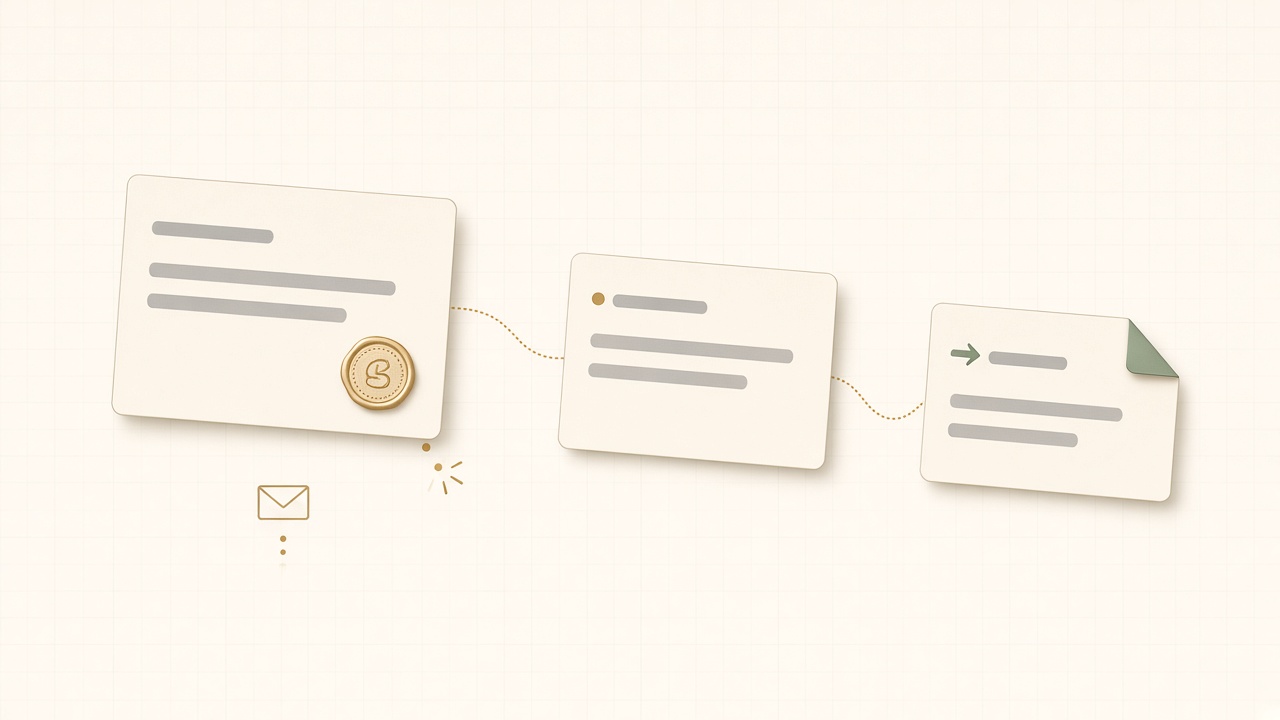
A mail flow is an outbound email agent. It uses the same Studio graph as a LinkedIn message flow, and it sends from a Google or Microsoft mailbox you connect in Console. There is no connection request.
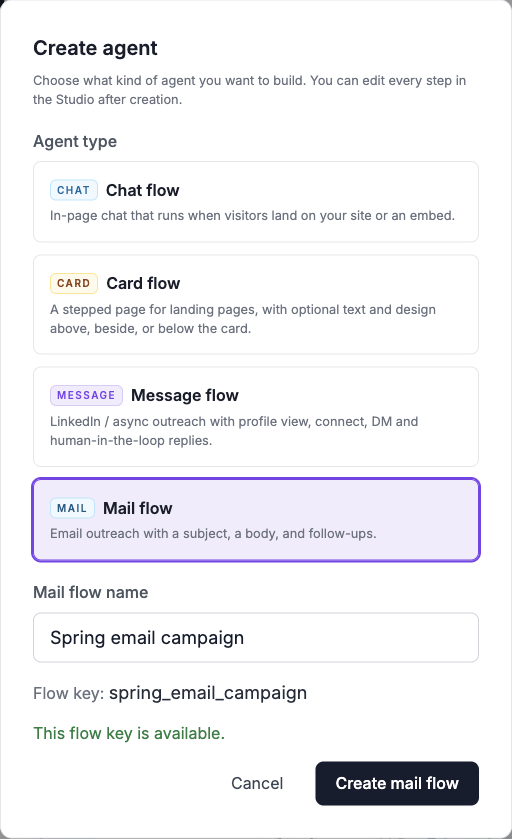
In Console choose Create agent → Mail flow and name it.
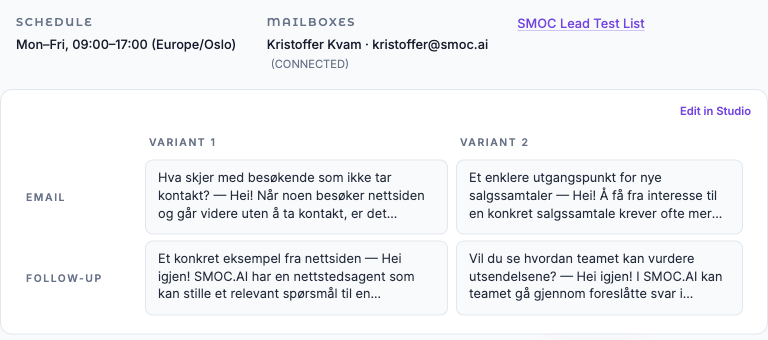
Studio opens on Flow. The sections are Settings and Design. Targeting holds the audience, the schedule, and the mailboxes.
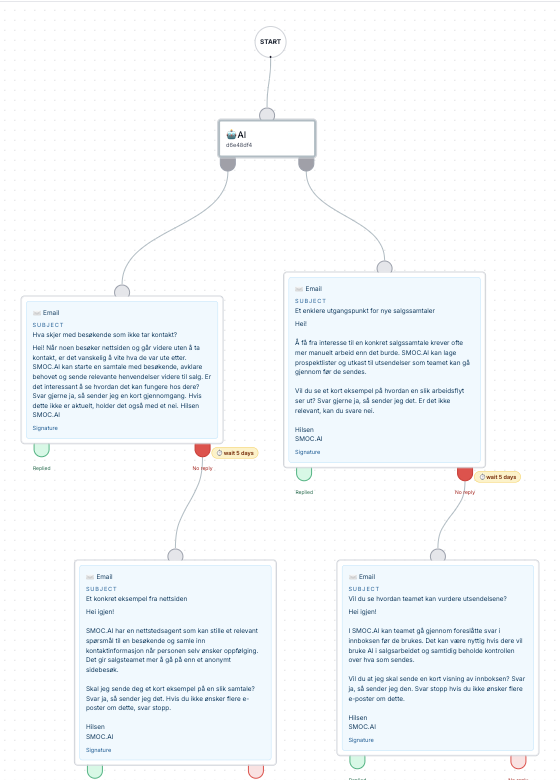
Open AI improvement and generate with Mail Lead Generation. Set the goal, language, and tone.
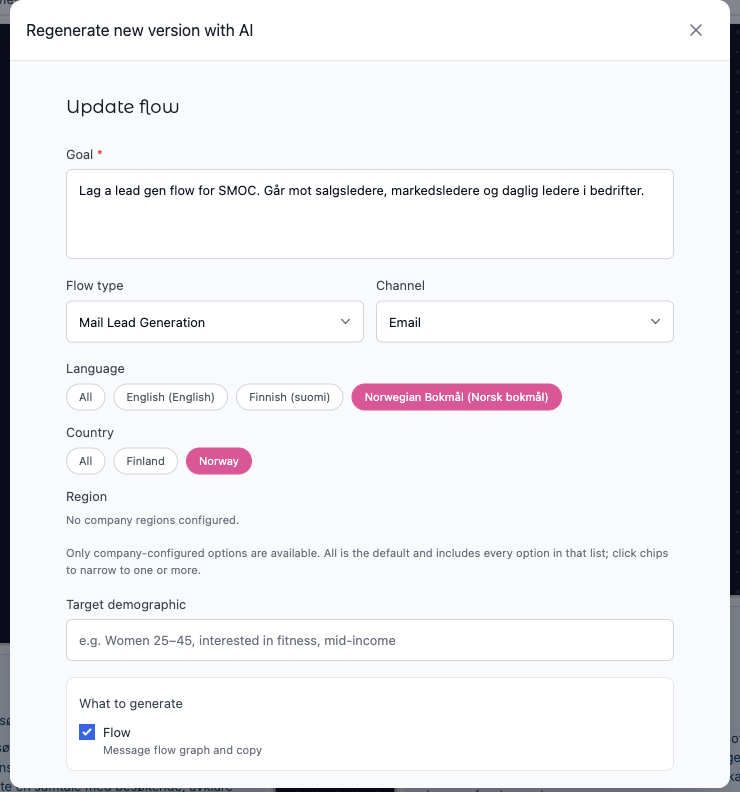
The graph is emails: a first message, AI in the flow the same way as every other agent, and follow-ups. LinkedIn steps such as profile view, connect, and InMail are not generated.
Under Targeting, select one or more prospect lists. Manual tags you already use can be selected too.
A mail sequence does not create an Autotarget portfolio. That stays on LinkedIn message flows.
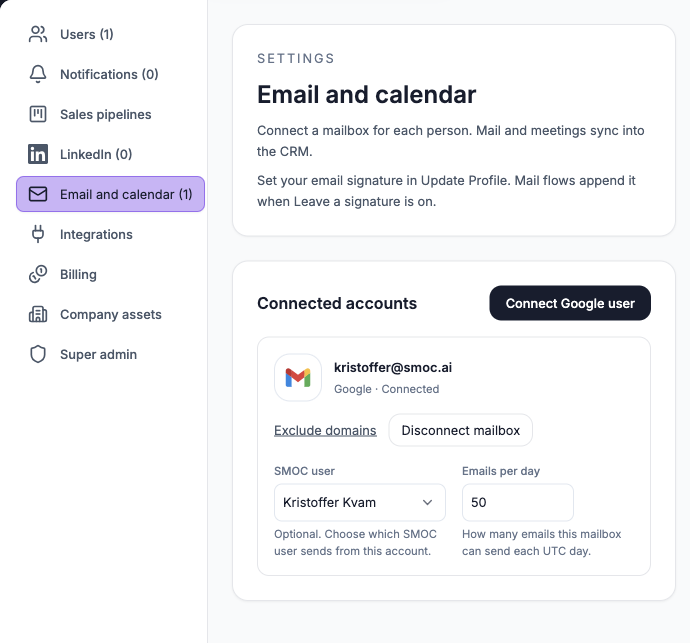
Under Settings → Email and calendar, connect Google or Microsoft.
Set Emails per day for that mailbox. It is a whole number from 1 to 200. The flow will not send more than that on a day.
On the flow, under Targeting, select the mailbox that should send. The agent header shows that mailbox as the person's name and the email address.
On each email, Leave a signature is on unless you turn it off.
The signature text is on your Console profile. Open Update Profile and set it. Mail flows append it to the plain text of the email when the checkbox is on.
Each email has the same kind of wait as a LinkedIn message.
Nothing sends outside the days and hours you set on the flow. Inside that window, more of the daily cap goes to the times that get more replies.
The email can carry tracked links and an open pixel. An open, a reply, a positive reply, and a link click score the variant, with the same weights a LinkedIn message flow uses for a reply and a click.
Inbox drafts a reply and classifies the lead sentiment, the same way it does on a LinkedIn thread. You send the reply.
Open the agent and choose Breakdown. The funnel is sent, opened, replied, and lead. The mailbox in the header is the sender's name and address.

See also Web flow vs message flow.
Where AI runs
Website chat, card flows, LinkedIn, and mail share one system. AI does each job below. The line under the title says where that job runs.
Every agent
AI crawls the site and writes the offer, the audience, the voice, and the brand. Website chat, card flows, LinkedIn, and mail start from that.
Dashboard · Lead Strategy
Set your lead goal. AI simulates thousands of channel mixes, ranks them by efficiency, and shows the most cost-effective plan. Your data and constraints shape the math.
Every agent · theme on web · lists on LinkedIn and mail
AI writes the flow. Theme runs on website chat and cards. Translation runs on every agent. AI finds the prospect list on LinkedIn. Mail uses the prospect lists you already have.
Path on every flow · web, LinkedIn, and mail
Reinforcement learning on the flow path runs on every agent. Recommendations run on web. Right timing and reply reading run on LinkedIn and mail.
Every agent
AI proposes a variant, uses your review on the next draft, and starts from an example that already works. You apply the change.
Continue learning with these related guides
Get product updates and perspective on proactive AI agents, multichannel orchestration, and conversion—without the noise.
 Weekly signal on proactive AI sales
Enter your email below to get started with SMOC.AI