01
AI reads the company
Every agent
AI crawls the site and writes the offer, the audience, the voice, and the brand. Website chat, card flows, and LinkedIn start from that.
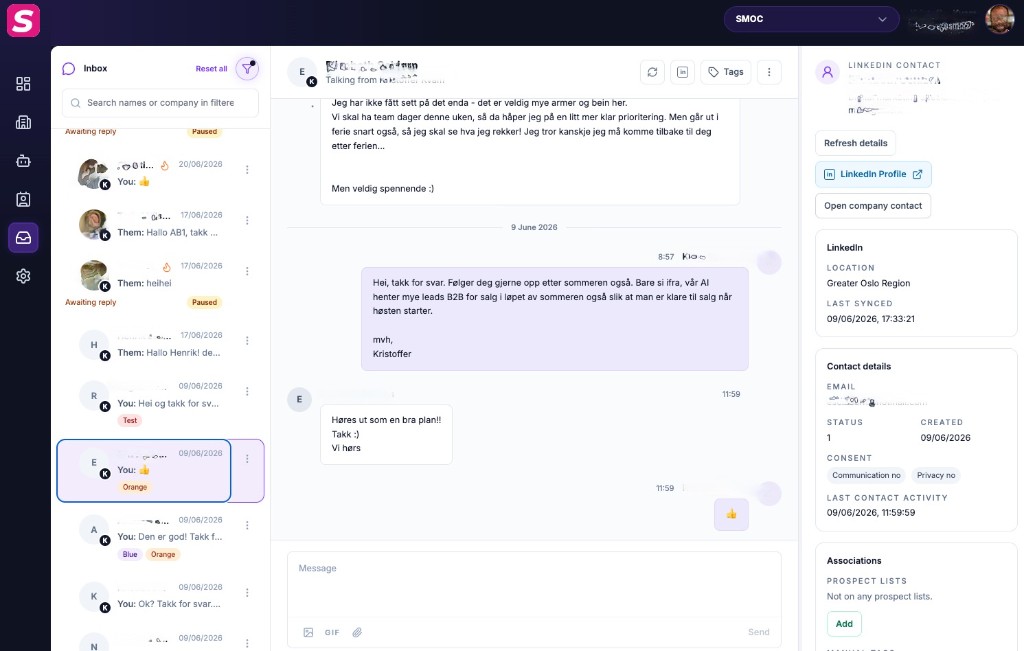
Console Inbox is the human-in-the-loop surface for LinkedIn message flows. Prospects reply in LinkedIn; you answer here.
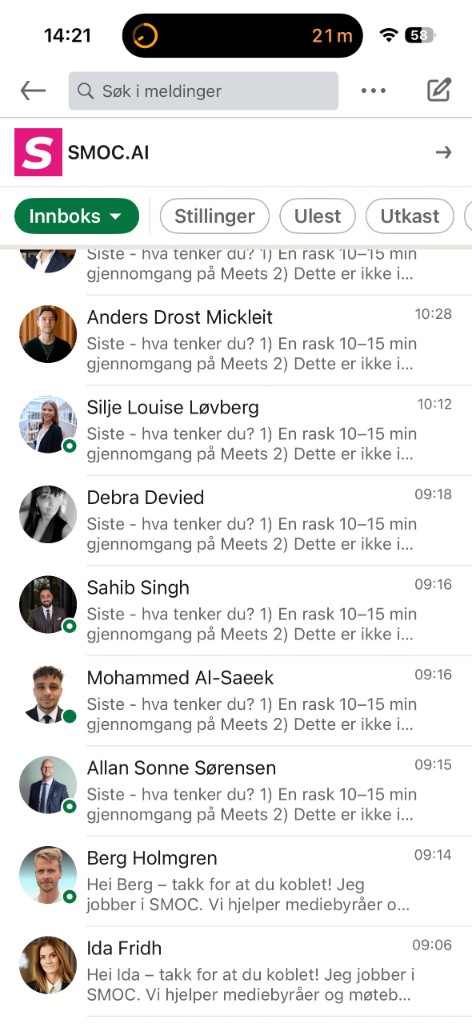
If a path uses Suggested Replies (sender), the agent waits for an operator. The composer explains that the flow is paused until you send a reply. Sending unblocks the run (operator_acted). Already-connected prospects can reach Inbox if the flow DMs them after Is connection Yes.
Suggestion chips follow the classified sentiment of the prospect's reply (the same Smart Lead / lead-outcome signal): positive (or not yet classified) shows the positive list; negative shows the negative list. If a negative reply has no negative chips, type a reply from scratch — the flow still waits until you send.
Inbox is not an unsupervised LLM that auto-sends final operator replies. Suggestions help; you stay accountable for sender reputation and tone.
A write-enabled MCP or REST key can send a text-only reply with inbox_threads_send (threadId, body, idempotencyKey). It cannot attach files or start a LinkedIn outreach campaign. Setup: Connecting SMOC with MCP.
Where AI runs
Website chat, card flows, and LinkedIn share one system. AI does each job below. The line under the title says where that job runs.
Every agent
AI crawls the site and writes the offer, the audience, the voice, and the brand. Website chat, card flows, and LinkedIn start from that.
Every agent · theme on web · list on LinkedIn
AI writes the flow. Theme runs on website chat and cards. Translation runs on every agent. AI finds the prospect list on LinkedIn.
Path on every flow · web and LinkedIn split
Reinforcement learning on the flow path runs on every agent. Recommendations run on web. Right timing and reply reading run on LinkedIn.
Every agent
AI proposes a variant, uses your review on the next draft, and starts from an example that already works. You apply the change.
Continue learning with these related guides
Get product updates and perspective on proactive AI agents, multichannel orchestration, and conversion—without the noise.
 Weekly signal on proactive AI sales
 Enter your email below to get started with SMOC.AI