One company, every language.
Season 2, Episode 8 of "Superpowers" – documenting how we're replacing the media agency for smaller businesses, so they can capture leads they'd otherwise never get. Follow Season 2 here: smoc.ai/blog/categories/superpowers. Season 1 of 5 Minutes is here: smoc.ai/blog/categories/5-minutes-series.
A company that sells in Oslo and Hamburg used to keep two sites, two inboxes, and a translator on a retainer. The tool the team worked in stayed English, because that was the only language it shipped. The buyer got a page that lagged a week behind.
Those are two different jobs. SMOC keeps them apart.
The screen you work in
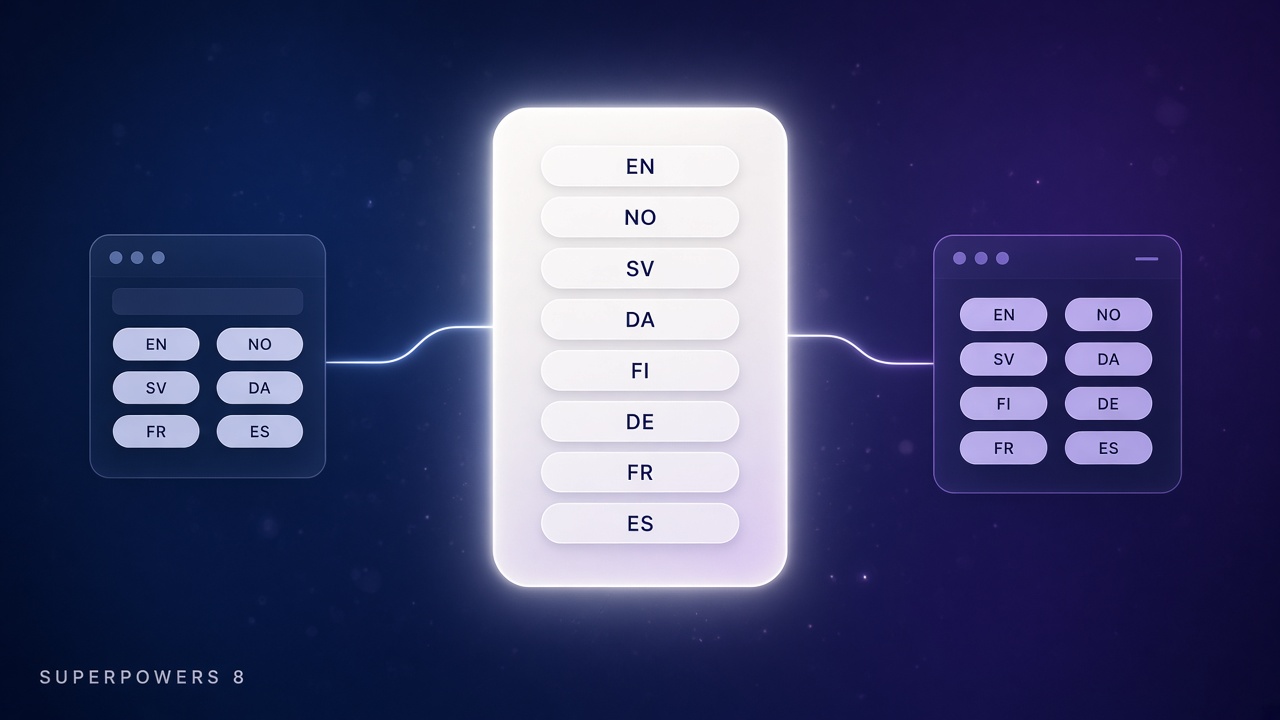
The website, Console, and Studio share one product language. English, Norwegian, Swedish, Danish, Finnish, German, French, and Spanish. SMOC, Console, and Studio stay as written.
On smoc.ai the language menu stores the choice. The next visit opens in that language, on the site and on the way into Console. The first visit, with nothing stored, follows the country, then the language the browser asks for, then English.
Sign-in and sign-up follow the same language. So does the rest of Console and Studio: onboarding, the trial banner, and the status lines while a generation runs.
That language is yours. It is not the language the buyer hears.
The language the buyer hears
Sales Launch asks for a market language. It is the language of the company: the website agent, the LinkedIn flow, and the copy Studio generates. English stays on the company. You add the market you sell in. The billing country suggests one. You can pick another.
In Studio, the language in the header is the copy on the canvas. Generate builds the open flow in that language. The Translation panel fills the others. A recommendation reason, a campaign brief, and a targeting label follow the language of that generation. LinkedIn search words stay words LinkedIn can search.
A Norwegian Console can run a German agent. A German website can open an English Studio. The menu does not rewrite the flow.
What you still set
You pick the screen. You pick the market. Copy that is already written stays until you generate it again.
- On the site, use the language menu. The choice is remembered.
- In Console and Studio, that same choice is the screen, including sign-in.
- In Sales Launch, the market language is what the agent says.
- In Studio, the header language is the copy on the canvas. Translate fills the rest.
Sales Launch end-to-end: first live agent is the path to the first agent, including the market language. Generating a Flow with AI in SMOC Studio is where that language lands on the canvas. Card flows save page copy for the language in the Studio header.
Follow Season 2 here: smoc.ai/blog/categories/superpowers. Season 1 of 5 Minutes is here: smoc.ai/blog/categories/5-minutes-series.
Shipped this month — November 2026 release log.