A prospect writes back on LinkedIn. You open the thread. The reply your team would have sent is already in the composer.
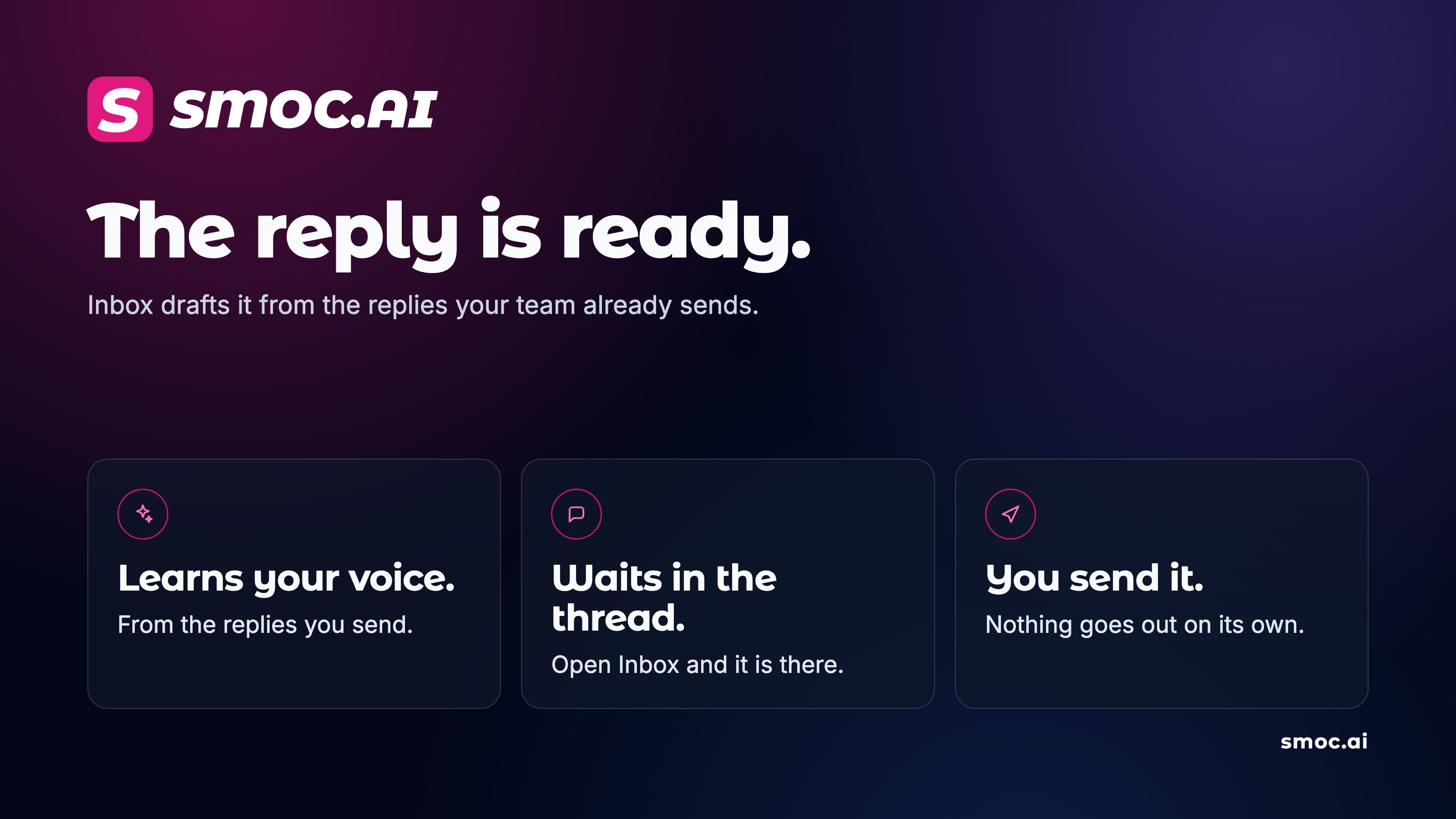
That draft comes from the replies your company has already sent, and from which of those replies moved the conversation forward. It is written for this thread, this step, and this person. You still send it.
What you see
Open Inbox on a LinkedIn thread that needs an answer. When a learned draft is ready, it sits above the composer.
Click it and the text lands in the message box, with the prospect's name and your name filled in. Edit it if you want. Send.
Until your company has sent five replies from Inbox, the familiar suggestion chips stay. After a learned draft exists for the thread, those chips step aside.
The same card appears when a follow-up is due, and when a reminder is due. A second follow-up gets its own draft. A third does too.
When nothing should be sent
Some replies are already finished. The prospect agreed, declined, said thanks, or said they will come back, and there is nothing left to arrange.
The card then says No reply needed. Mark the thread done. A short "ok" still gets a draft when a time, a link, or a next step is open.
How it learns
Every reply you send from Inbox becomes an example for the next similar step. A draft you edit before sending teaches the next one your wording. A prospect message that moves the conversation forward counts for more than one that does not.
The draft is prepared when the message arrives, including a message the nightly sync picks up later. Opening the thread reads what is already stored.
Once a week, the writing guidance for those steps is revised from the replies that worked. Your company's voice and offer stay in that guidance. A prospect's message is context for this draft. It is not stored as a quote for the next one.
You send it
Inbox stays human-in-the-loop. The draft is a suggestion. LinkedIn receives the message when you send it.
How to use it: Inbox for LinkedIn replies.
Shipped this month — October 2026 release log.