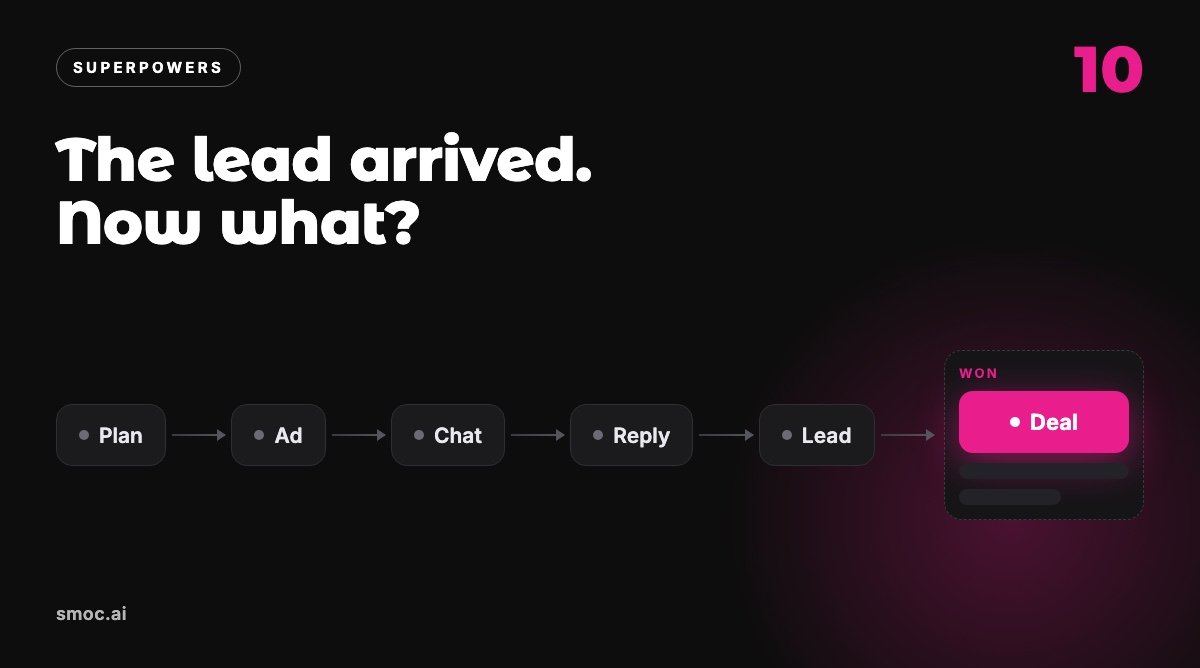
The lead arrived. Now what?
Season 2, Episode 10 of "Superpowers" – documenting how we're replacing the media agency for smaller businesses, so they can capture leads they'd otherwise never get. Follow Season 2 here: smoc.ai/blog/categories/superpowers. Season 1 of 5 Minutes is here: smoc.ai/blog/categories/5-minutes-series.
Season 2 has been about getting leads without a media agency. Each episode took one piece of the work an agency used to do. This episode puts the pieces in a row and follows one lead from the plan to the signed deal. The last step is new: the deal now lives in Console.
1. The plan
Start with a number. Lead Strategy on the dashboard asks how many smart leads you want per month and returns a plan with a cost for each channel. That was Episode 6.
2. The ad
In Studio, Targeting writes the brief for Meta, Google, LinkedIn, and ChatGPT Ads. Generate opens the chat with that brief filled in. The campaign stays paused until you turn it on. That was Episode 7.
3. The conversation
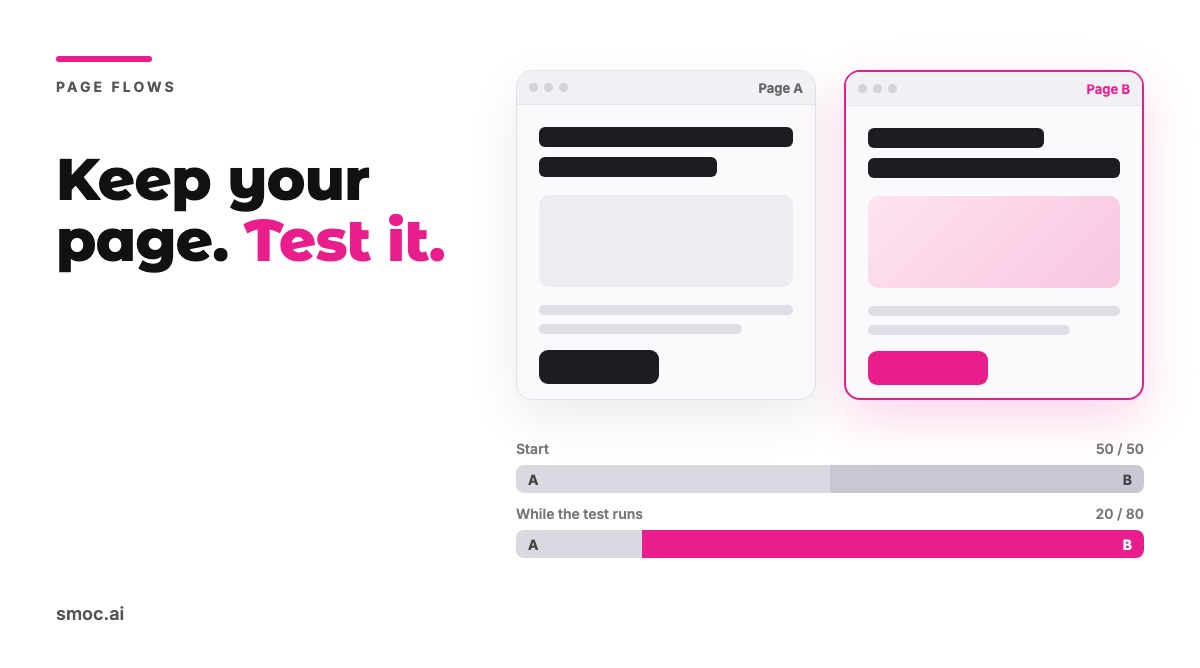
The click lands on an agent: a chat flow on your site, a card flow on a landing page, or a LinkedIn or mail flow where you started the conversation. The AI in the flow tests versions and keeps the ones that bring more leads. That was Episode 2.
4. The reply
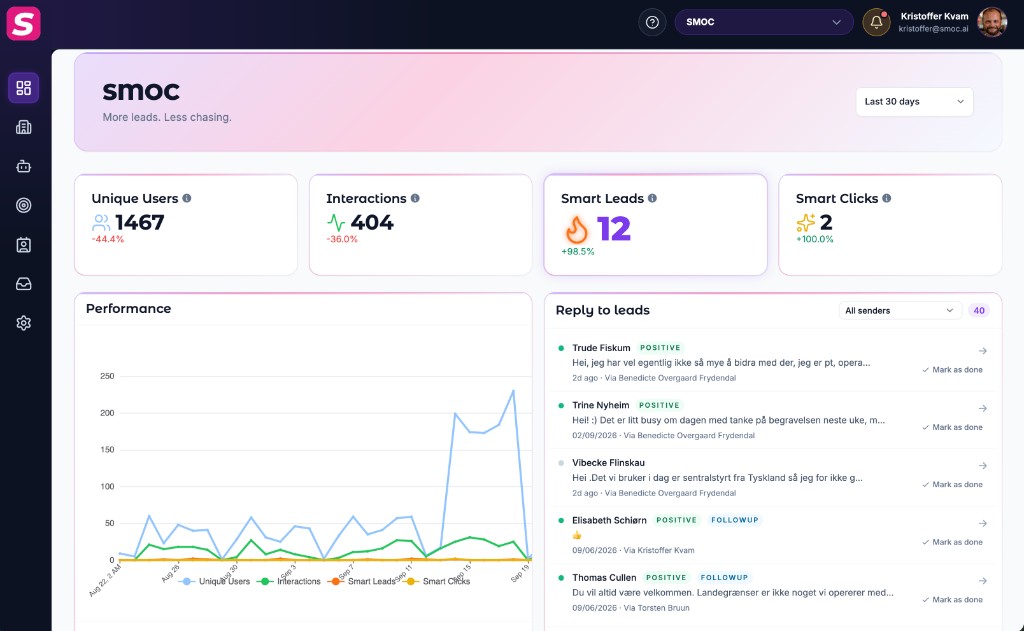
The prospect writes back. Inbox has a reply ready, written from the replies your team already sent. You read it, change it if you want, and send it. See The reply is ready.
5. The lead
A form answer or a positive reply makes a smart lead. The person lands in Contacts with the company, the flow, and the first and last touch. If your team works in HubSpot, the lead is written there too. That was Episode 5.
6. The deal
This is the new step. Contacts now has three tabs: People, Companies, and Deals.
Choose Add deal on the company, or on the contact next to the thread in Inbox. Or open Deals and choose New deal. Pick the pipeline and the stage, set a value and a close date, and the deal is on the board. Drag it to the next stage as the conversation moves.
Open the deal and the history is there. Activity shows the conversation with the agent next to what your team adds with Create a note and Log a call. Every stage change is in the same timeline.
The Sales dashboard reads those deals: weighted forecast, win rate, sales cycle, and deal velocity. On the dashboard overview, revenue now follows the lead from the first click to the signed contract.
Already working in HubSpot? Bring your history over. HubSpot import, under Settings → Integrations, copies companies, contacts, deals, tasks, activities, and lists into SMOC. Your new leads still go to HubSpot. SMOC works with your CRM — or becomes it.
One line
Plan, ad, conversation, reply, lead, deal. That used to be six tools, six logins, and a spreadsheet between them. It is now one Console, and each step can see what happened at the step before.
How to set up pipelines and deals: Deals, pipelines, and activity. How to bring your HubSpot history over: Connect SMOC to HubSpot.
Follow Season 2 here: smoc.ai/blog/categories/superpowers. Season 1 of 5 Minutes is here: smoc.ai/blog/categories/5-minutes-series.
Shipped this month — November 2026 release log.