Mail flows send from your mailbox.
Season 2, Episode 9 of "Superpowers" – documenting how we're replacing the media agency for smaller businesses, so they can capture leads they'd otherwise never get. Follow Season 2 here: smoc.ai/blog/categories/superpowers. Season 1 of 5 Minutes is here: smoc.ai/blog/categories/5-minutes-series.
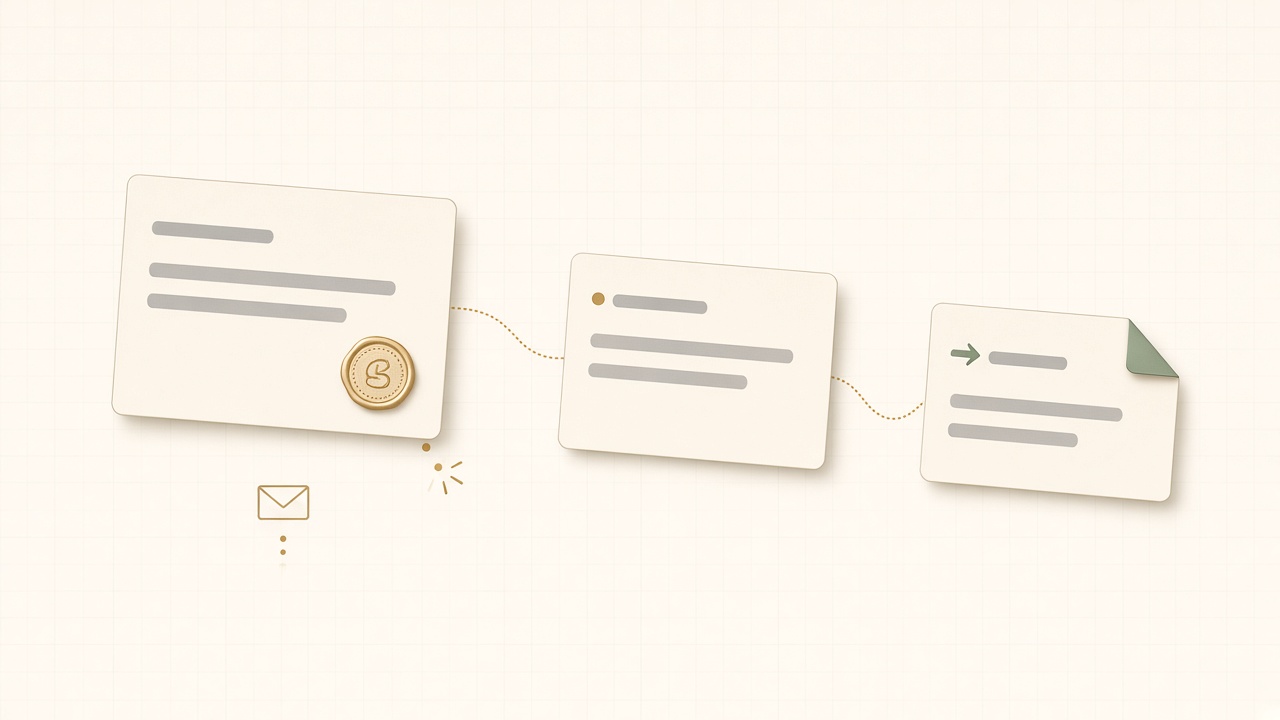
A mail flow is a fourth kind of agent. It uses the same Studio graph as a LinkedIn message flow, and the email goes out from a Google or Microsoft mailbox you connect. There is no connection request.
The sequence
Create agent → Mail flow. Compose builds the graph with Mail Lead Generation: a first email, AI in the flow the same way as every other agent, and follow-ups. The nodes are emails. Profile view, connect, and InMail are not on this graph.
You choose prospect lists. Manual tags you already use can be selected too. A mail sequence does not create an Autotarget portfolio. That stays on LinkedIn message flows.
Your mailbox
Connect Google or Microsoft under Settings → Email and calendar. Emails per day is a whole number from 1 to 200. The flow will not send more than that.
Leave a signature starts on for each email. The text is the signature on your Console profile, under Update Profile. It is added to the plain text before tracked links are wrapped.
The agent header names the mailbox as the person's name and the address.
What happens after send
Each email can wait for a reply, and a follow-up needs a no-reply delay. When that delay passes with no reply, the follow-up sends on the same thread. A reply stops the follow-up.
Nothing sends outside the days and hours you set. Inside that window, more of the daily cap goes to the times that get more replies.
An open pixel and tracked links are stored with the thread. An open, a reply, a positive reply, and a link click teach the AI in the flow, with the same weights a LinkedIn message flow uses for a reply and a click.
Inbox can draft a reply and classify the lead sentiment, the same way it does for LinkedIn. You send the reply.
Open the agent and choose Breakdown. The funnel is sent, opened, replied, and lead.
How to set one up: Mail flows.
Follow Season 2 here: smoc.ai/blog/categories/superpowers. Season 1 of 5 Minutes is here: smoc.ai/blog/categories/5-minutes-series.
Shipped this month — November 2026 release log.