01
AI reads the company
Every agent
AI crawls the site and writes the offer, the audience, the voice, and the brand. Website chat, card flows, and LinkedIn start from that.
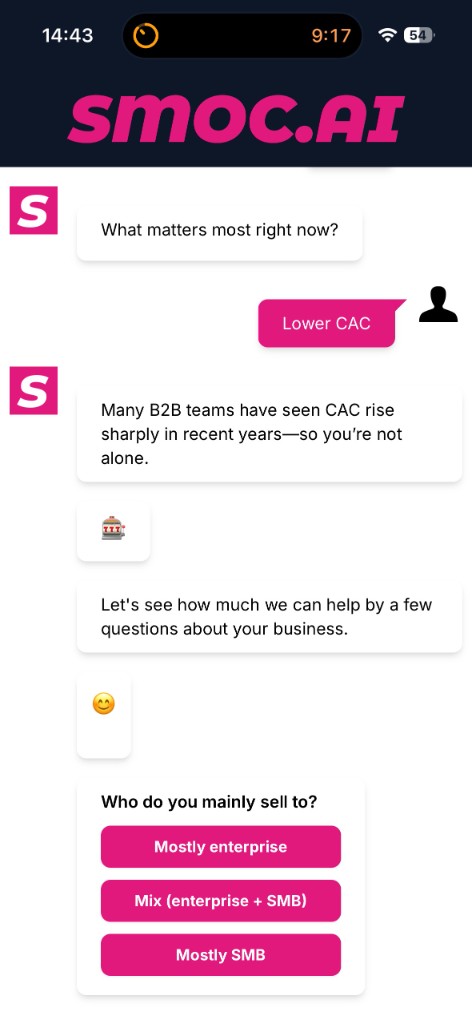
Publish a web flow, then deliver it on your domain or a SMOC landing page. Visitors see a conversation like this:
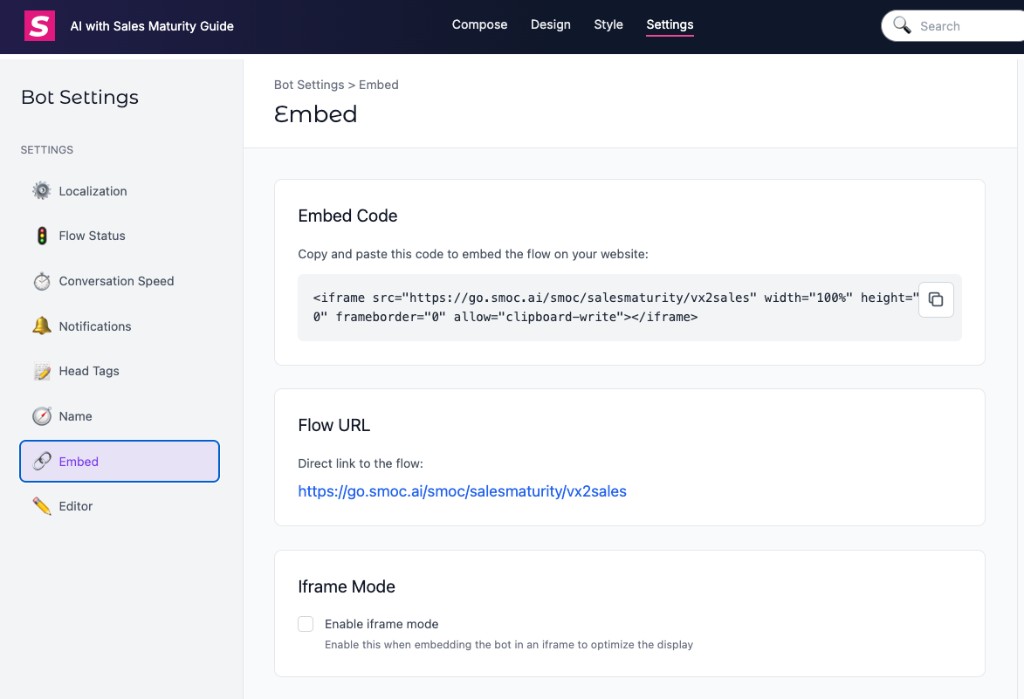
In Studio go to Settings → Embed. Flow URL is the direct link (hosts include go.smoc.ai and go2.smoc.ai), shaped like:
https://go.smoc.ai/<company_key>/<flow_key>/<variant_key>
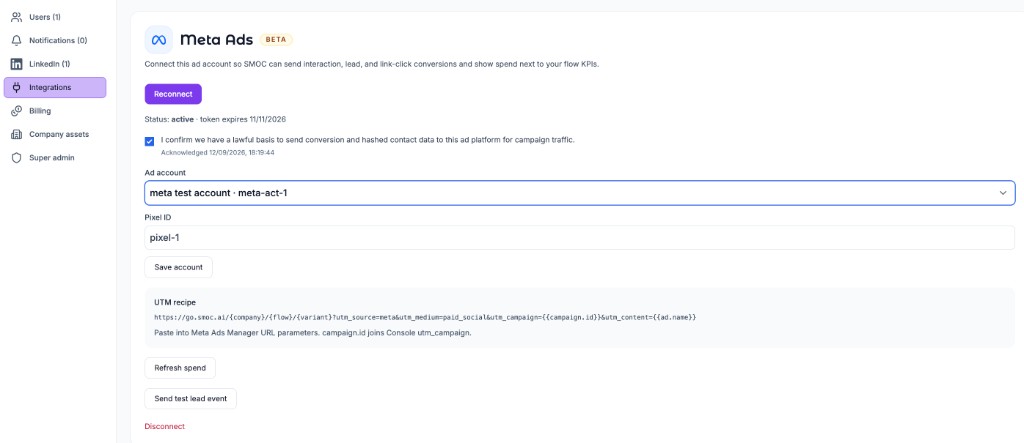
Append UTM query parameters so Console can attribute campaigns. Copy the URL parameters from Settings → Integrations (no leading ?). On Meta, paste them into the ad’s Tracking → URL parameters field (same string on every ad, or bulk-edit) — not into the Website URL. On Google, paste them as the Final URL suffix and leave the Final URL as the Flow URL; {campaignid} fills both utm_campaign and utm_id. On LinkedIn, paste them into account or campaign URL tracking parameters; {{AD_SET_ID}} is the ad set that spend joins, not {{CAMPAIGN_ID}}. See Connect Meta, Google, and LinkedIn Ads.
<iframe …>).See the deeper walkthrough: Setting Up SMOC Flow with iFrame and Tracking.
Incoming UTMs on the Flow URL are stored for Console analytics. They are not copied onto outbound Link Message URLs unless you turn that on.
On a Link Message (or Open Graph link), enable Forward UTM & click IDs. When a visitor arrived with campaign parameters, the destination URL receives:
utm_* keys (utm_source, utm_medium, utm_campaign, utm_term, utm_content, and any other utm_ prefix)gclid, fbclid, msclkid, ttclid, wbraid, gbraidRules:
Example: a visitor opens https://go.smoc.ai/acme/flow/a?utm_source=ads&gclid=abc and clicks a link to https://shop.example/offer. With the setting on, they land on https://shop.example/offer?utm_source=ads&gclid=abc.
For iframe embeds, include smoc.js so parent-page UTMs reach the flow first. Then this setting can pass them on to the next site.
A card flow’s public link ends in /cards. That page can show text and design above, beside, or below the card. The embed snippet uses the same path with iframe_mode=true, which shows the card alone so it fits a short iframe. Chat flows keep the bubble URL without /cards. Details: Card flows.
Embeds and landing pages are web flow delivery. Chat and card are two formats of that web flow. Email/SMS/QR can link into the same web flow; they are distribution, not separate native conversation engines.
Where AI runs
Website chat, card flows, and LinkedIn share one system. AI does each job below. The line under the title says where that job runs.
Every agent
AI crawls the site and writes the offer, the audience, the voice, and the brand. Website chat, card flows, and LinkedIn start from that.
Every agent · theme on web · list on LinkedIn
AI writes the flow. Theme runs on website chat and cards. Translation runs on every agent. AI finds the prospect list on LinkedIn.
Path on every flow · web and LinkedIn split
Reinforcement learning on the flow path runs on every agent. Recommendations run on web. Right timing and reply reading run on LinkedIn.
Every agent
AI proposes a variant, uses your review on the next draft, and starts from an example that already works. You apply the change.
Continue learning with these related guides
Get product updates and perspective on proactive AI agents, multichannel orchestration, and conversion—without the noise.
 Weekly signal on proactive AI sales
 Enter your email below to get started with SMOC.AI