Card flows
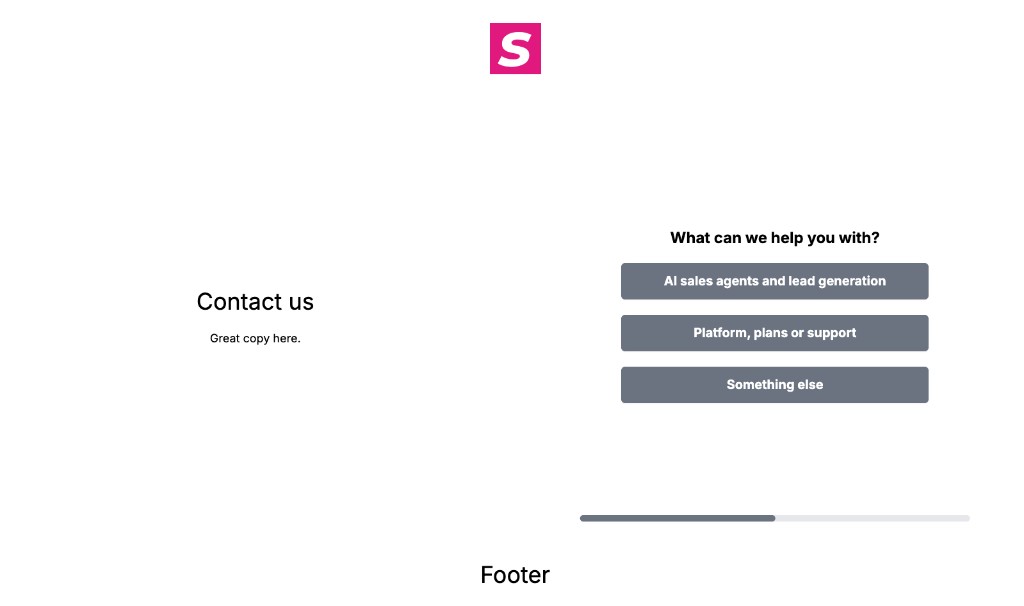
Card flows
A card flow is a web flow that steps forward as a page instead of a chat bubble. Use it for a landing page, a contact form, or any visit where the buyer should see one step at a time, with the offer still on the page.
Chat flows and card flows share the same Studio graph, the same nodes, and the same web analytics. Message flows stay the LinkedIn path.
Create one
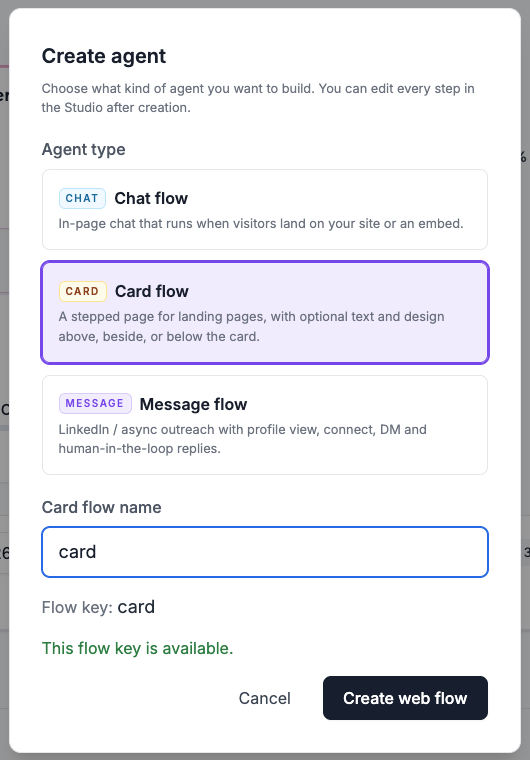
In Console choose Create agent → Card flow and name it.
Studio opens on the same tabs as a chat flow: Compose → Design → Style → Settings.
The public link ends in /cards. Opening the chat URL of a card flow sends the visitor there.
Generate the steps
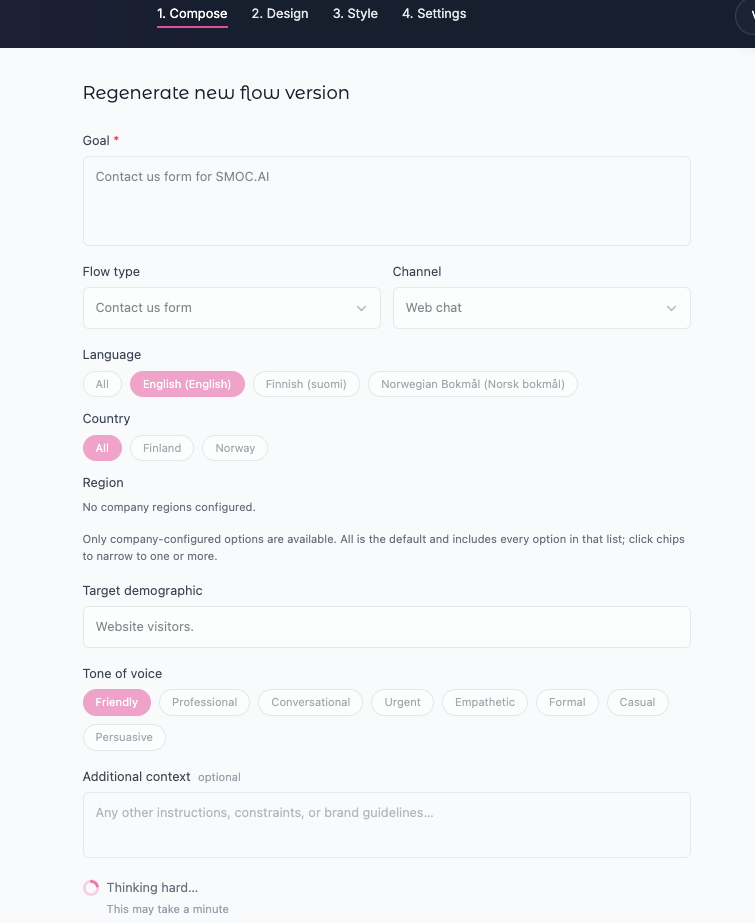
On a card flow, Compose offers Contact us form. Set the goal, language, and tone, then generate.
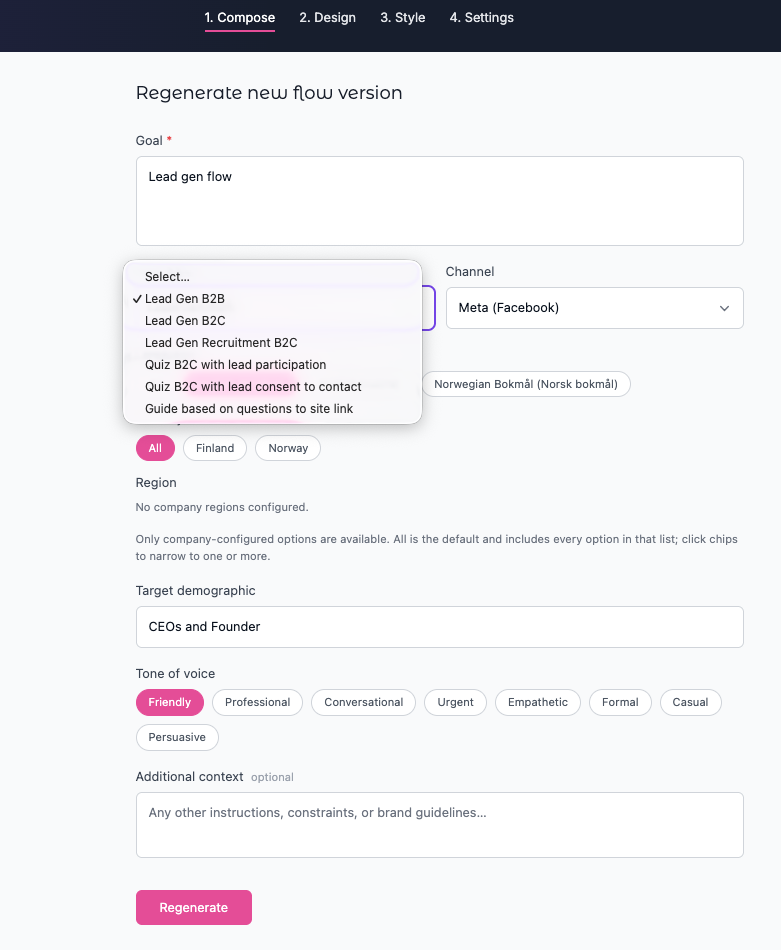
A chat flow offers the other web templates: lead gen, quizzes, and the question guide. Contact us stays on card flows.
Style the page
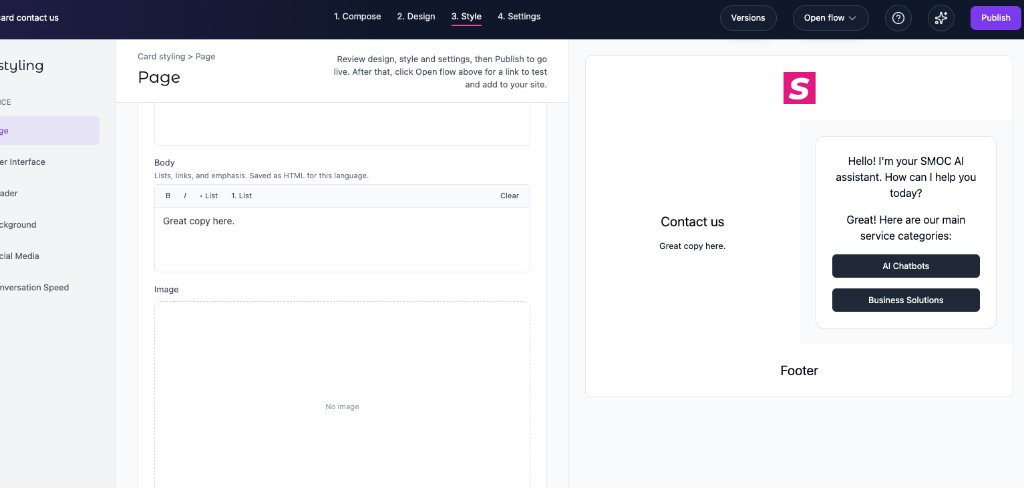
Open Style → Page. Copy and design can sit in three places. Leave a region off and the card stays centered.
- Above the card. An image here stays inside the area, the way a logo does.
- Beside the card, on the left or the right. Heading and body are rich text: lists, links, and emphasis, saved for the language selected in the Studio header.
- Below the card.
Each region can use a theme color or an image, the same choices as the card itself. The preview on the right updates as you write.
What the visitor sees
The hosted page shows the regions and the card together. The question fills the card. A progress bar sits in the card and advances as the visitor answers.
The next step replaces the question. The contact details are their own card.
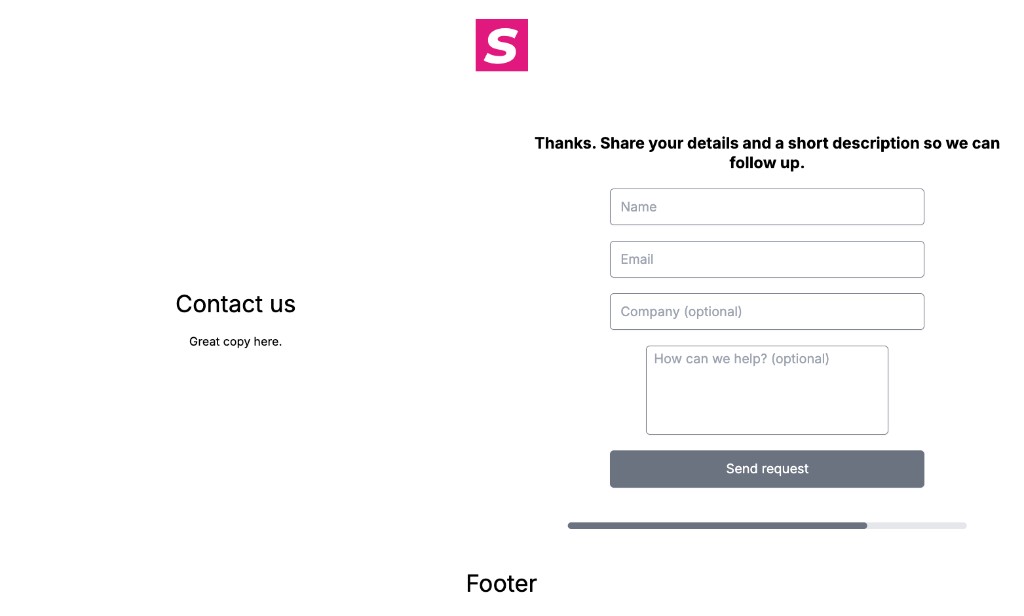
The same pattern is what the SMOC contact page uses: the offer stays, and the card steps forward.
Embed versus the full page
The hosted /cards page shows the regions and the card.
The embed snippet adds iframe_mode=true. That shows the card alone, full width of the iframe, so a short contact embed does not try to fit a landing page into 450 pixels.
<iframe src="https://go.smoc.ai/<company>/<flow>/<variant>/cards?iframe_mode=true" width="100%" height="450" style="border: none; overflow: hidden;" loading="lazy"></iframe>
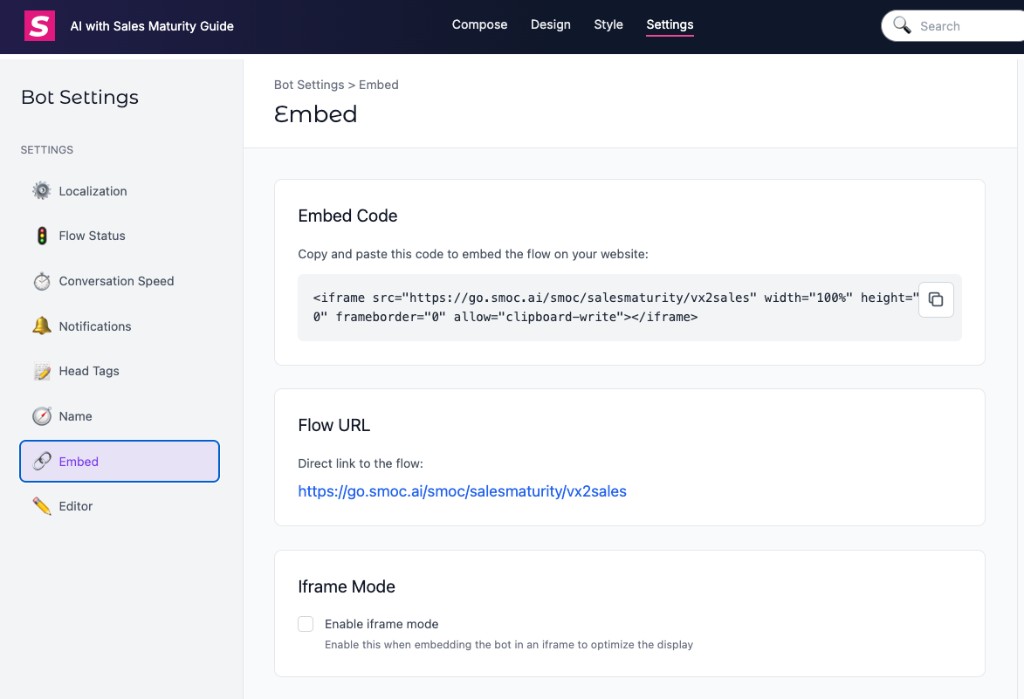
Copy the live snippet from Console on the agent (Copy embed) or from Studio → Settings → Embed.
Related
Related Guides
Continue learning with these related guides
Stay close to the shift in AI sales
Get product updates and perspective on proactive AI agents, multichannel orchestration, and conversion—without the noise.
 Weekly signal on proactive AI sales