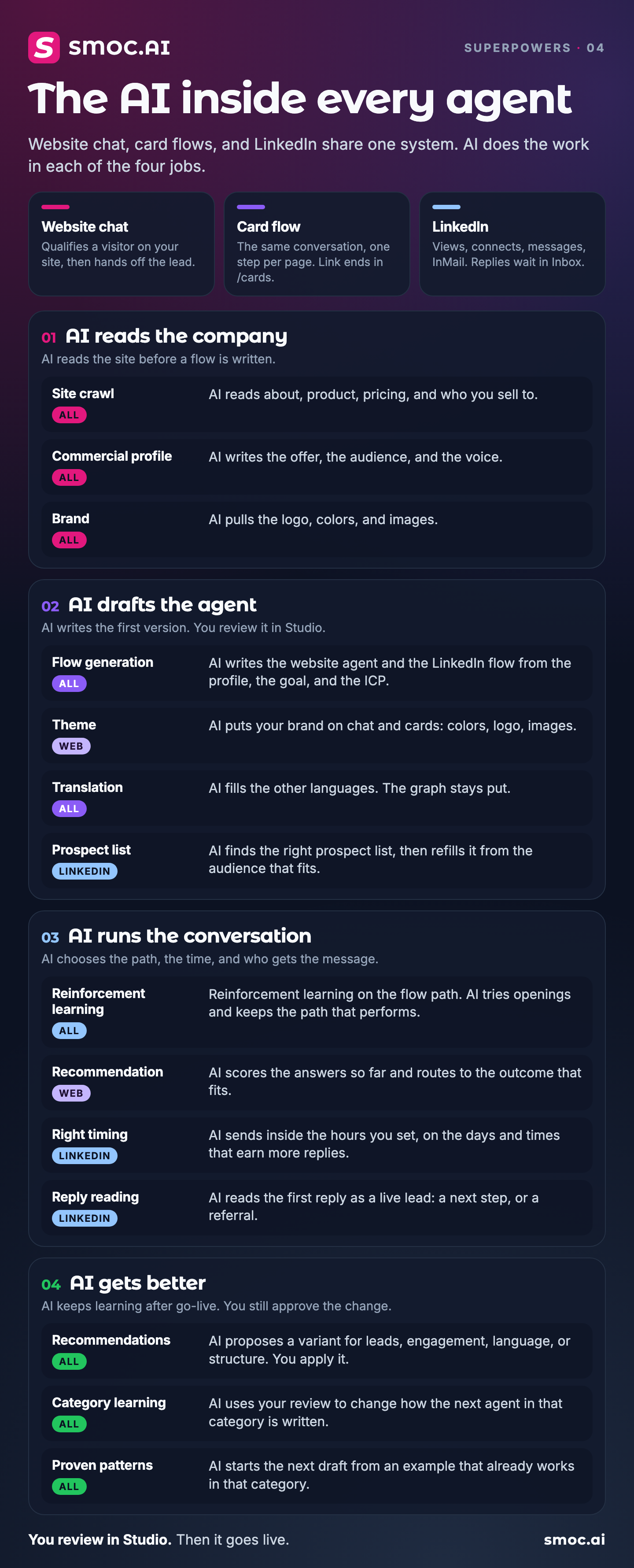
LinkedIn message flows now find both the hour and the day that get more accepts and replies. You still choose the days and the hours. SMOC uses that window.
The hour
Connection requests, messages, and InMail go out during the part of the day that fits the hours already set on the flow. A window can be wider than 09:00–17:00. The daily limit still sends by the end of that window. Profile views, follows, and likes are not held for a later hour.
There is no switch. Flows that are already running pick this up on their own. The canvas AI node still chooses which message to send.
The day
The same flows now send more of the week on the scheduled days that get more accepts and replies. Monday through Friday still send if those days are on. A strong Saturday does not take the whole week, and the days before it do not spend Saturday’s share.
The weekly total stays the same. Nothing goes out on a day you turned off, or outside the hours you set.
Where to look
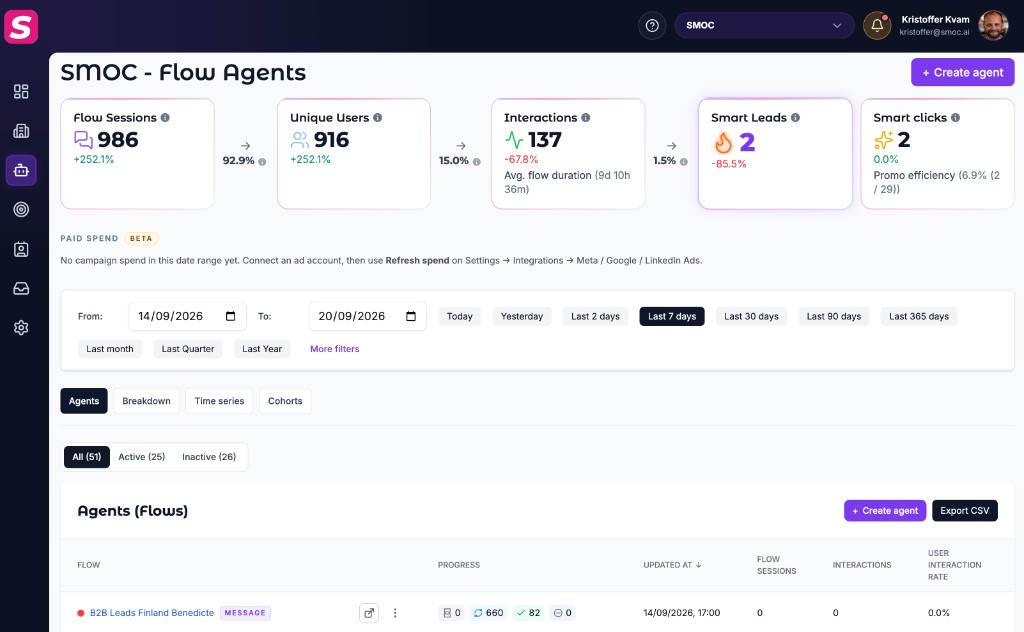
Open an agent and choose Breakdown. Best sending times names the weekday and the part of the day that are working for connections, replies, and smart leads. The company Breakdown shows the same section across message flows.