How can I integrate SMOC flows into my iOS or Android app?
Category: Frontend Guides
You can integrate a SMOC flow into your iOS or Android app by loading the flow URL in a native web view.
1. Prerequisites
- Build and publish your flow in SMOC Studio.
- Have access to your app codebase.
2. Get the flow link
- Open your flow in SMOC Studio.
- Click Publish (or republish after updates).
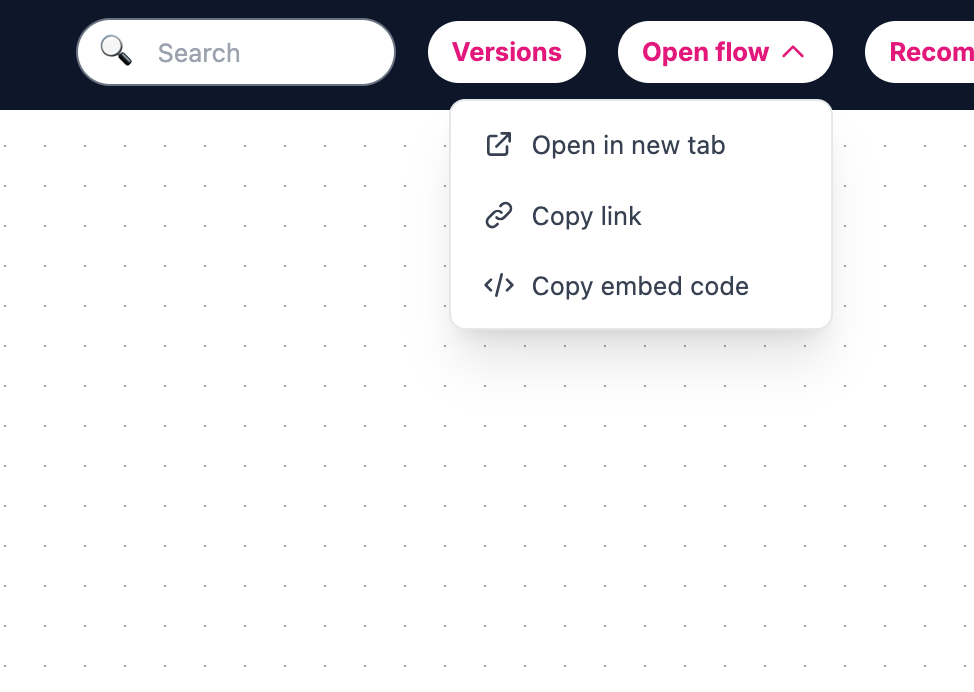
- Open the Open flow dropdown.
- Click Copy link.
3. Integrate in your app
- iOS: use WKWebView (not UIWebView).
- Android: use WebView.
- Load the copied flow link in the web view and keep JavaScript enabled.
4. Note
- If your team needs embed markup for web contexts, use Open flow → Copy embed code.